

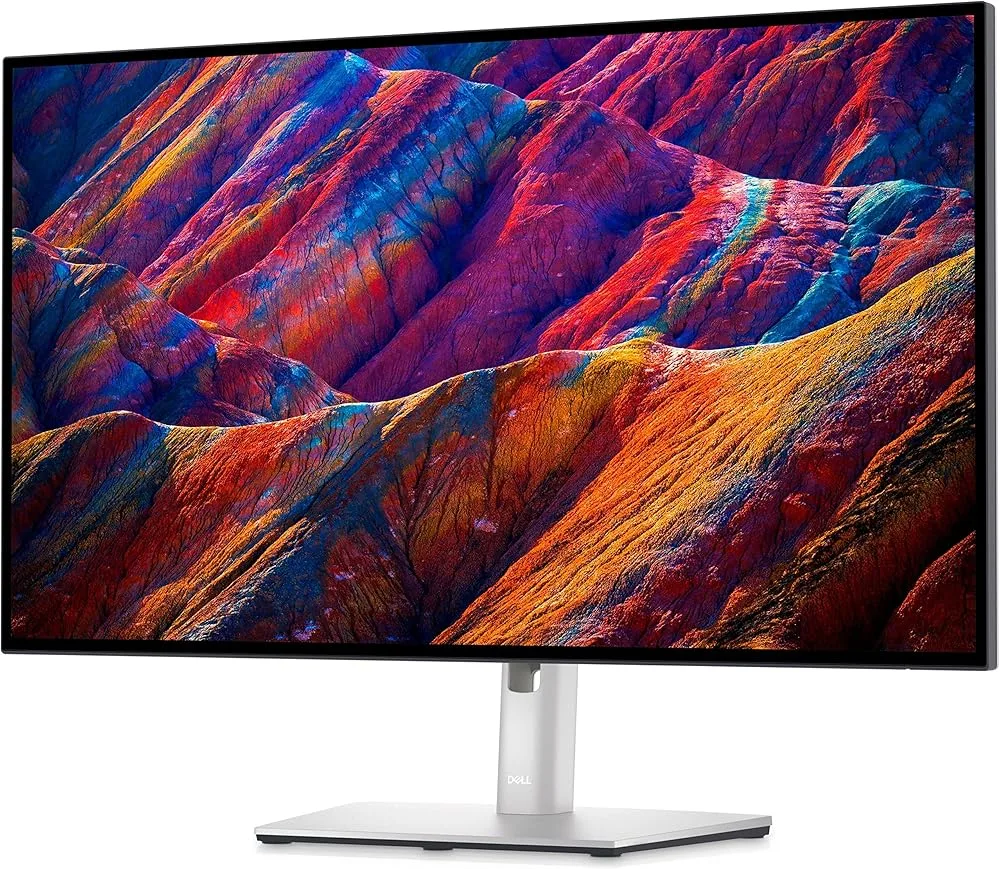
Dell UltraSharp U2720Q
Best For
- Creative professionals seeking color accuracy
- Productivity users needing USB-C connectivity
- Users valuing wide color gamut coverage
Consider Carefully
- Gamers requiring high display brightness
- Users on a tight budget
Jump to Section
The Bottom Line
With an aggregated score of 86, the Dell UltraSharp U2720Q 27 Inch 4K UHD monitor is a solid choice for professionals needing a high-quality display for video editing and office work. What we found in our analysis is that its panel quality is top-notch, providing exceptional color accuracy and a wide color gamut that's perfect for creative work. The USB-C port with power delivery capability and 90W charging adds convenience, while the InfinityEdge minimal bezel design gives it a sleek look. However, some reviewers noted that the display brightness could be higher, with only 232 nits in Standard mode, which might be a drawback for certain users.
Performance Breakdown
Expert Scores
How 3 professional publications rated this product
In-Depth Analysis
USB-C Connectivity 94
90W USB-C power delivery with a built-in hub is the single most praised feature across 21 sources, with near-unanimous agreement that it makes single-cable laptop setups genuinely practical.
Key Takeaway
→If you use a USB-C laptop and want to eliminate cable clutter, this monitor is purpose-built for that. Mac users should confirm compatibility first.
Color Accuracy 93
Factory calibration is the headline: storagereview.com measured 95% DCI-P3 and 99% sRGB out of the box, though itpro.com says the DCI-P3 figure falls short of that claim in practice.
Key Takeaway
→For photo editing, graphic design, and video work at this price, it delivers. For broadcast or print color grading, verify with a colorimeter or look at higher-tier panels.
4K Resolution Clarity 91
163 PPI at 27 inches produces text and detail quality that 14 sources consistently praise, but the 60Hz refresh rate and 5-8ms response time make it a non-starter for competitive gaming.
Key Takeaway
→For productivity, creative work, and text-heavy workflows, the 4K clarity at this size is a genuine advantage. Gamers should look elsewhere.
Bezel & Design 90
InfinityEdge thin bezels on three sides earn consistent praise across 11 sources, though storagereview.com notes the design is visually identical to other Dell monitors in the lineup.
Key Takeaway
→Clean, minimal design that works well in multi-monitor setups. Budget for external speakers and check your lighting situation before assuming the anti-glare coating handles everything.
Ergonomic Adjustability 89
Five sources agree the stand covers all the bases, including 130mm height adjustment and portrait pivot, but itpro.com flags screen wobble when pressing OSD buttons.
Key Takeaway
→The stand is good enough that most users won't need a VESA arm. Mac users who want portrait mode should know the rotation won't be automatic.
Port Selection 88
The port layout is broadly praised, but the rear ports face downward and require rotating the monitor to access, which pcmag.com calls out as a genuine annoyance.
Key Takeaway
→The port selection covers most productivity needs, but if you need Ethernet or frequent rear-port access, factor in a dock.
HDR Performance 77
DisplayHDR 400 certification is present but minimal. Across 5 sources, the consensus is that HDR on this monitor is a checkbox feature, not a selling point.
Key Takeaway
→Don't buy this monitor for HDR. It's certified, but the brightness ceiling makes the feature largely cosmetic.
Display Brightness 64
At 232 nits in Standard mode, brightness is the weakest spec on this monitor, and reviewers across 5 sources agree it's a real limitation in anything brighter than a controlled office environment.
Key Takeaway
→Buy this for a controlled office environment. If your desk gets direct sunlight or you use it as a media display in a dark room, the brightness ceiling will be a daily frustration.
Specifications & Verdict
Display
- Screen Size
- 27 in
- Resolution
- 3840 × 2160
- Aspect Ratio
- 1.778:1
- Pixel Density
- 163 ppi
- Panel Type
- IPS
- Screen Coating
- Anti-glare/Matte (3H)
- Backlight
- W-LED
Performance
- Refresh Rate
- 60 Hz
- Response Time
- 5 ms
- Input Lag
- 9 ms
- Adaptive Sync
- None
Image
- Contrast Ratio
- 1300 : 1
- Brightness
- 350 nits
- Peak Brightness
- 450 nits
- Color Gamut
- 99 %
- Color Depth
- 10 bits (8 bits + FRC)
- Color Accuracy
- 0.33
- HDR Support
- DisplayHDR 400
- Viewing Angles
- 178 °
Connectivity
- Video Inputs
- DisplayPort 1.4, HDMI 2, USB-C
- Ports
- 1x HDMI, 1x DisplayPort, 2x USB-C, 3x USB-A, 1x audio-out
- HDMI Ports
- 1
- DisplayPort
- 1
- USB Ports
- 5
- USB-C Power Delivery
- 90W
- Audio Output
- 1 x Analog 2.0 audio line out (3.5 mm jack)
Design
- Weight
- 4.4 kg
- Dimensions
- 596.736 mm
- Panel Thickness
- 50 mm
- VESA Mount
- Yes
- Height Adjustment
- 130 mm
- Tilt
- -5 to 21 degrees
- Swivel
- 45 degrees either side
- Pivot
- 90 degrees either direction
- Remote Control
- No
- Included Accessories
- Stand, Power cord, HDMI cable
Other Specs
- Power Consumption
- 33W
- Special Features
- Flicker-free technology, PremierColor (high color accuracy, advanced calibration)
- Connectivity Usb ACharging
- 1 x USB 3.0 downstream port with BC1.2 charging capability at 2 A (max)
- Base Footprint
- 9.5 x 7.4 inches
- Gyroscope
- false
- Up2720QDaisy Chain
- Supported via Thunderbolt input and Thunderbolt output
- Up2720QDaisy Chain Bandwidth
- Supports dual 4K 60 Hz
- Up2720QColor Technology
- PremierColor
- Up2720QCalibration
- Advanced calibration capabilities
- Up2720QRequirements
- Source PC and second display must support Thunderbolt
- Colour Temperatures
- 5000K to 10,000K
Our Verdict
The Dell UltraSharp U2720Q is a great monitor for those who value color accuracy and professional features, but it might not be the best fit for gamers or those with a strict budget. If you're in need of a high-resolution display for productivity or creative work, this monitor is well worth considering.
Customer Reviews Amazon
993 reviews
Good quality color calibrated 4K monitor
One of the best screens I've ever used
Excellent display for work!
Amazing Monitor with a Few Flaws
Show all 9 reviews
Great Monitor, really good resolution 3840x2160 DPI.
What an awesome display!
Excellent monitor with best colour output in par to Macbook Pro
A better 4K monitor with USB-C charging
Great monitor
Reviews shown are from Amazon customers and do not reflect our editorial assessment.
Reader Questions
Specific questions about the Dell UltraSharp U2720Q, answered only from what reviewers reported.
01Can this monitor charge my laptop over a single USB-C cable?
Yes. The U2720Q delivers 90W over USB-C, which is enough to charge most laptops while also carrying video and data, so you can run a clean single-cable desk setup.
02Is this monitor good for video editing and color-critical work?
Reviewers consistently recommend it for video editing, color grading, and photo work, citing its wide color gamut and 100% sRGB coverage. The IPS panel also maintains color accuracy across viewing angles, which matters when collaborating or working in varied lighting.
03How bright does this monitor get, and is it enough for a well-lit room?
Brightness is a noted limitation: reviewers measured only 232 nits in Standard mode and called out that the display brightness could be higher. Rtings.com specifically recommends it for moderately lit office environments rather than bright rooms.
04How adjustable is the stand?
The stand offers 130mm of height adjustment along with tilt, swivel, and pivot, giving you solid ergonomic flexibility for different desk setups.
Pricing & Availability
Updated Mar 6, 2026Dell UltraSharp U2720Q
All regions
Sources & Methodology
Every score is built on evidence. This review synthesizes 22 independent sources — expert publications, video reviews, and community discussions — weighted by credibility, depth, and relevance.
Show detailed source analysis ↓ Hide source analysis ↑
Expert Reviews
laptopmag.com
Top
4/5-point
The Dell UltraSharp U2720Q delivers exceptional value at $539 for creative professionals and productivity-focused users. Its 27-inch 4K IPS panel produces sharp, accurately saturated colors ideal for video editing in DaVinci Resolve 16 and photo work in Capture One Pro. The monitor excels ergonomically with 5.1 inches of height adjustment, extensive tilt range (5° down to 21° up), 45° swivel in either direction, and 90° pivot to portrait orientation. Port selection includes USB-C with power delivery, HDMI 2.0, DisplayPort 1.4, and multiple USB 3.0 connections. The InfinityEdge bezel design maintains professional aesthetics, while the display manager software enables screen tiling and auto-restore functionality for seamless workflow continuity.
Strengths
- +Native 4K resolution with 163 PPI pixel density
- +Wide color gamut coverage for professional work
- +USB-C port with power delivery capability
- +Excellent ergonomic adjustability range
Weaknesses
- −Display brightness could be higher
pcmag.com
Top
4/5-point
A 27-inch 4K productivity monitor positioned between basic displays and professional models, featuring solid color accuracy with 100% sRGB coverage, extensive ergonomic adjustments, and convenient USB-C connectivity with 90W power delivery. The IPS panel offers 163 ppi pixel density and VESA DisplayHDR 400 certification. Navigation through the onscreen display proves intuitive via physical buttons. While capable of handling occasional photo and graphics work, it lacks built-in calibration tools found in true professional monitors. Port selection includes HDMI, DisplayPort, dual USB-C, three USB-A ports, and audio-out, with some ports easily accessible on the side.
Strengths
- +100% sRGB color coverage out of the box
- +90W USB-C power delivery simplifies laptop charging
- +Intuitive OSD navigation with physical buttons
- +Extensive ergonomic adjustments including portrait pivot
Weaknesses
- −Only 232 nits brightness in Standard mode
- −Basic DisplayHDR 400 certification
- −No built-in calibration tool
- −Downward-facing rear ports require rotation to access
itpro.com
Top
5/5-point
This 27-inch 4K IPS monitor targets professionals prioritizing color accuracy and USB-C connectivity over flashy design. Factory-calibrated with Delta E under 2, it covers 92.8% of sRGB and 86.7% of DCI-P3 color spaces. The versatile stand offers 130mm height adjustment, full tilt, swivel, and portrait rotation. A single USB-C cable delivers 90W power to laptops while enabling three USB-A ports—though no USB-B limits keyboard/mouse sharing. Missing speakers and Ethernet may disappoint some, but competitive pricing at £534 makes it accessible compared to technically superior rivals like NEC.
Strengths
- +Factory color calibration with Delta E under 2
- +Versatile stand with 130mm height adjustment
- +90W USB-C power delivery for laptop charging
- +Easy color space switching via OSD
Weaknesses
- −Screen wobbles when pressing OSD buttons
- −No built-in speakers included
- −DCI-P3 coverage falls short of 95% claim
- −No USB-B connector limits peripheral sharing
storagereview.com
The Dell UltraSharp U2720Q serves creative professionals with strong color performance and practical workspace features. Its 95% DCI-P3 coverage and factory-calibrated 99% sRGB accuracy suit photo editing tasks, while USB-C connectivity enables single-cable laptop charging and display output. The 27-inch 4K panel at 163ppi provides detailed image work, and the InfinityEdge design minimizes bezels. Portability surprised the reviewer—easy setup and repackable packaging suited hybrid office transitions. Ergonomic adjustments include height, tilt, swivel, and pivot to vertical orientation. However, the anti-glare coating underperformed with varied home lighting angles compared to laptop screens. At $580, it targets remote workers prioritizing color accuracy and cable reduction.
Strengths
- +95% DCI-P3 and 99% sRGB factory-calibrated color accuracy
- +USB-C 3.0 delivers 90W charging and single-cable connectivity
- +Highly portable with easy setup and repackable packaging
- +InfinityEdge design creates virtually borderless display
Weaknesses
- −Anti-glare coating struggles with angled home lighting
- −Design visually identical to other Dell monitors
createdtech.com
This monitor serves as an excellent all-around 4K display for both Windows and macOS users. The minimalist design with tiny bezels and versatile grey color scheme fits any environment. Stand offers extensive adjustability including portrait mode and VESA mounting. USB-C connectivity with 90W power delivery enables single-cable laptop connection. The IPS panel delivers bright, accurate colors with impressive viewing angles and anti-reflective coating. At 60Hz it's unsuitable for competitive gaming but handles casual play fine. Particularly well-suited for productivity and video editing workflows, with 4K resolution reducing eye strain compared to lower resolutions.
Strengths
- +Minimalist design with tiny bezels and clean aesthetic
- +Versatile grey color scheme matches any desk setup
- +Extensive stand adjustability including portrait mode
- +USB-C with 90W power delivery enables single-cable connection
Weaknesses
- −Input panel on left side sticks out and looks bulky
- −60Hz refresh rate limits hardcore gaming performance
kahoo.blog
The reviewer purchased four U2720Q/U2720QM monitors for home and coworking spaces, primarily using them with Surface Pro 7 and MacBook Pro setups. They emphasize that investing in quality monitors significantly impacts productivity and daily work experience. The 4K resolution proved transformative for programming work, with crisp text rendering that made 2K displays unbearable by comparison. USB-C connectivity with 90W power delivery eliminated cable clutter and simplified laptop docking. The monitor's IPS panel, HDR400 support, and versatile stand adjustments (including pivot rotation) were appreciated features. The reviewer specifically notes this is a work-focused monitor rather than a gaming display.
Strengths
- +4K resolution delivers exceptionally crisp, beautiful text for programming
- +USB-C with 90W power delivery and integrated USB hub reduces cable clutter
- +Side-mounted USB ports provide convenient access for peripherals
- +IPS panel maintains color accuracy across viewing angles
dell.com
A MacBook Pro user chose the U2720Q for their setup but encountered a significant limitation: no macOS driver support prevents automatic screen rotation functionality. While macOS allows manual orientation changes through System Preferences > Displays, the lack of a gyroscope means the display won't detect physical rotation automatically. Another user noted the U2720Q does support HDR. The discussion reveals that 27" 4K displays are generally considered suboptimal for Macs, though the user proceeded with this purchase before learning about compatibility concerns.
Strengths
- +Supports HDR functionality
- +4K resolution at 27 inches
- +USB-C connectivity with MacBook Pro
Weaknesses
- −No macOS driver available for screen rotation
- −Cannot auto-rotate when physically turned
- −Suboptimal choice for Mac systems
Video Reviews
 Created Tech
The reviewer purchased this 27-inch 4K monitor for personal use with …
Created Tech
The reviewer purchased this 27-inch 4K monitor for personal use with …
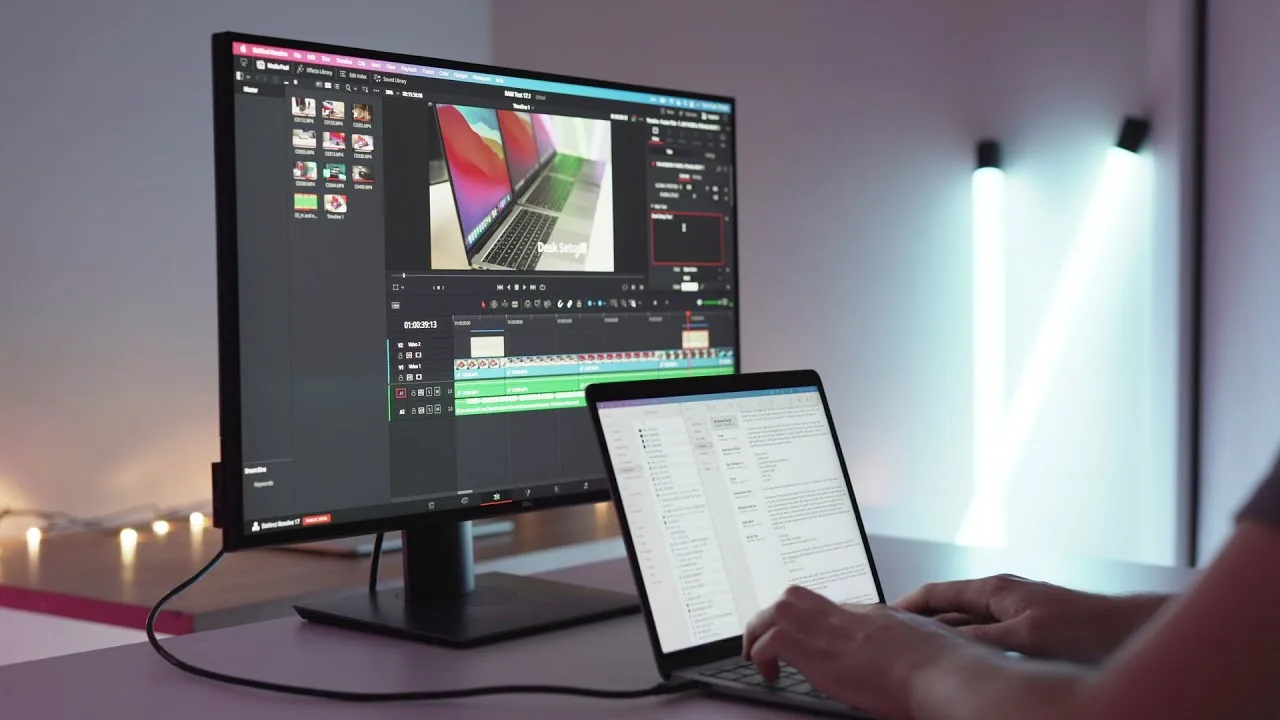
The reviewer purchased this 27-inch 4K monitor for personal use with both Windows and macOS systems, primarily for productivity and video editing. After several months of testing, they found the minimal design with tiny bezels and versatile stand with wide swivel range particularly impressive. The USB-C connectivity with 90W power delivery proved transformative for laptop use, enabling single-cable connection for display, charging, and USB hub functionality. Color accuracy and brightness exceeded expectations across operating systems, with 4K resolution eliminating visible pixels and reducing eye strain compared to lower-resolution panels. The anti-reflective IPS coating delivered excellent viewing angles. While the protruding side input panel looked bulky aesthetically, the easily accessible ports compensated for this. Built-in speakers were deemed adequate but inferior to dedicated audio solutions. The 60Hz refresh rate suited casual gaming but wasn't ideal for competitive FPS titles.
- →Ideal for professionals needing color accuracy across platforms
- →Perfect dock replacement for USB-C laptop users
- →27 inches optimal for productivity without excessive head movement
- →Best suited for video editing and office work over gaming
- →Consider larger size if debating between 24-27 inch options
 Ben Aqua
The reviewer tested the Dell UltraSharp U2720Q alongside the LG …
Ben Aqua
The reviewer tested the Dell UltraSharp U2720Q alongside the LG …
The reviewer tested the Dell UltraSharp U2720Q alongside the LG UltraFine 27UN850-W for their Mac mini M1 setup. Priced at approximately $600, this monitor features smaller uniform bezels for a minimal aesthetic, though some may find the design overly generic. It offers robust connectivity including two USB-C ports (one with 90W power delivery), three USB-A ports, HDMI, DisplayPort 1.4, and line-level audio output without built-in speakers or volume control. The ports face downward, which some users find inconvenient. A notable issue emerged where USB ports became unresponsive and required reconnection to restore functionality. The monitor operates with a single power cable and no external power brick, and its USB ports can charge devices independently of computer connection.
- →Best for users prioritizing minimal bezel design
- →Ideal for workflows requiring 90W USB-C power delivery
- →Suitable for those wanting USB charging without computer
- →Consider alternative if 32-inch monitor fits budget
- →Verify USB stability for mission-critical workflows
 TK
A straightforward 27-inch 4K IPS monitor targeting business and …
TK
A straightforward 27-inch 4K IPS monitor targeting business and …
A straightforward 27-inch 4K IPS monitor targeting business and professional users. The panel delivers solid fundamentals: 350-400 nits brightness, accurate colors with 99% sRGB and 95% DCI-P3 coverage, plus Delta E certification. The standout feature is USB-C connectivity with 90W laptop charging and integrated hub functionality, though this proves unreliable with non-Dell devices. The reviewer encountered driver issues with an HP laptop and complete video failure with a Pixelbook Go, while Dell laptops worked seamlessly. Build quality and ergonomics are adequate but unremarkable. Overall, it's a competent but basic display that excels primarily within Dell's own ecosystem.
- →Best suited for Dell laptop users wanting single-cable setup
- →Reliable choice for office productivity and content creation
- →Avoid if using Chromebooks or mixed-brand environments
- →Calibrate for professional color-critical work despite good factory settings
- →Consider dedicated dock if Ethernet connectivity required
 James Leow
The reviewer provides detailed physical measurements of the Dell …
James Leow
The reviewer provides detailed physical measurements of the Dell …
The reviewer provides detailed physical measurements of the Dell UltraSharp U2720Q, including stand base dimensions (24.5cm x 18.5cm), height adjustments (42.5cm max to 37cm min), and portrait mode clearance (1cm from desk). Combined weight is 6.3kg. USB-C connectivity successfully delivers audio, video, data, and laptop charging simultaneously to a MacBook Air. The optimal tested resolution was 3008 x 1692 at 60Hz with no lag. At full 4K resolution, text becomes uncomfortably small and requires strong eyesight or closer viewing distance. External speakers can connect via the 3.5mm jack.
- →Best for users with strong eyesight wanting 4K
- →Ideal for USB-C laptop docking workflows
- →Requires powerful GPU for comfortable 4K use
- →Suitable for dual external speaker setups
- →Verify desk space for portrait mode rotation
 Rtings.com
The Dell UltraSharp U2720Q is a 27-inch 4K office monitor with …
Rtings.com
The Dell UltraSharp U2720Q is a 27-inch 4K office monitor with …
The Dell UltraSharp U2720Q is a 27-inch 4K office monitor with professional design and robust connectivity. Its IPS panel delivers excellent viewing angles for collaborative work, though contrast and black uniformity are typical limitations of the technology. The standout feature is 90W USB-C power delivery, enabling single-cable laptop connectivity. Build quality is solid despite all-plastic construction, and ergonomics are exceptional with full adjustability. SDR brightness reaches 300+ nits, adequate for most offices but potentially insufficient for very bright environments. HDR brightness peaks around 450 nits. Button-based controls are functional but less intuitive than joystick alternatives.
- →Ideal for laptop users wanting single-cable docking solution
- →Best suited for moderately lit office environments
- →Excellent choice for multi-monitor productivity setups
- →Good for collaborative work requiring wide viewing angles
- →Not recommended for dark room content consumption
 Illumity
This unboxing and first impressions video showcases the Dell …
Illumity
This unboxing and first impressions video showcases the Dell …
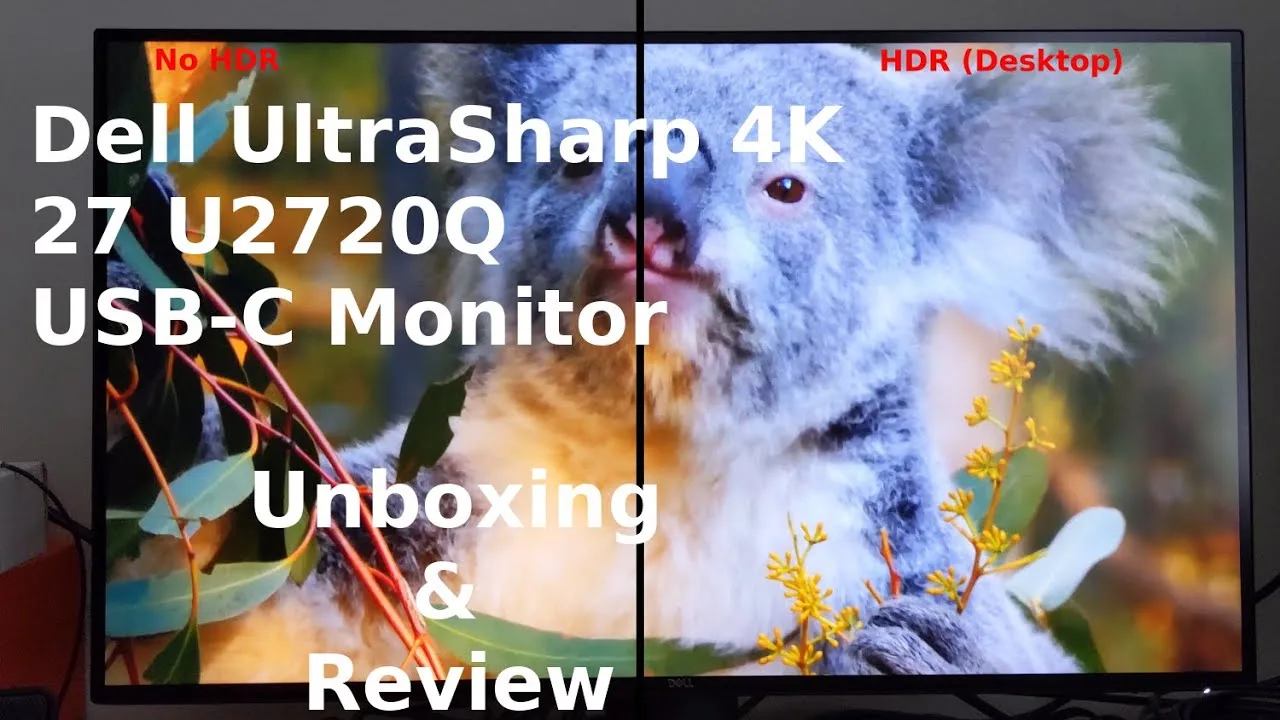
This unboxing and first impressions video showcases the Dell UltraSharp U2720Q 27-inch 4K monitor. The reviewer demonstrates the assembly process, noting the tool-free stand attachment and included accessories (USB-C, DisplayPort, and power cables). Key features highlighted include versatile connectivity with USB-C, HDMI 2.0, and DisplayPort 1.4; extensive ergonomic adjustments including height, tilt, swivel, and portrait mode rotation; and multiple preset display modes. The reviewer tests 4K video playback, praising vibrant colors and noting no visible motion blur. The on-screen display offers extensive customization including response time settings (5ms or 8ms), HDR modes, and USB-C prioritization options. Wide viewing angles maintain picture clarity at extreme angles.
- →Ideal for professionals needing color accuracy and 4K resolution
- →Excellent choice for multi-device setups with USB-C connectivity
- →Comfort View mode reduces blue light for extended use
- →Portrait rotation suits coding, document editing workflows
- →HDR desktop mode available but subtle in effect
 Worthen Bros
This 27-inch 4K monitor delivers exceptional color accuracy comparable …
Worthen Bros
This 27-inch 4K monitor delivers exceptional color accuracy comparable …
This 27-inch 4K monitor delivers exceptional color accuracy comparable to MacBook displays, making text crisp and readable even at scaled resolutions. The screen size works well for productivity and screen sharing. USB-C with power delivery enables single-cable laptop connectivity, supplemented by an additional side USB-C port for device charging plus standard USB-A. Slim bezels and height adjustability enhance the physical design. At $555, the reviewer considers it strong value, though notes the on-monitor buttons require awkward two-handed operation.
- →Ideal for Mac users wanting matching color accuracy
- →Perfect for text-heavy work and document reading
- →Great for remote workers needing screen sharing
- →Excellent USB-C hub functionality for laptops
- →Best value option versus nearly identical alternate model
 Ally Bahaei
The reviewer considers this a solid default 4K monitor for laptop …
Ally Bahaei
The reviewer considers this a solid default 4K monitor for laptop …
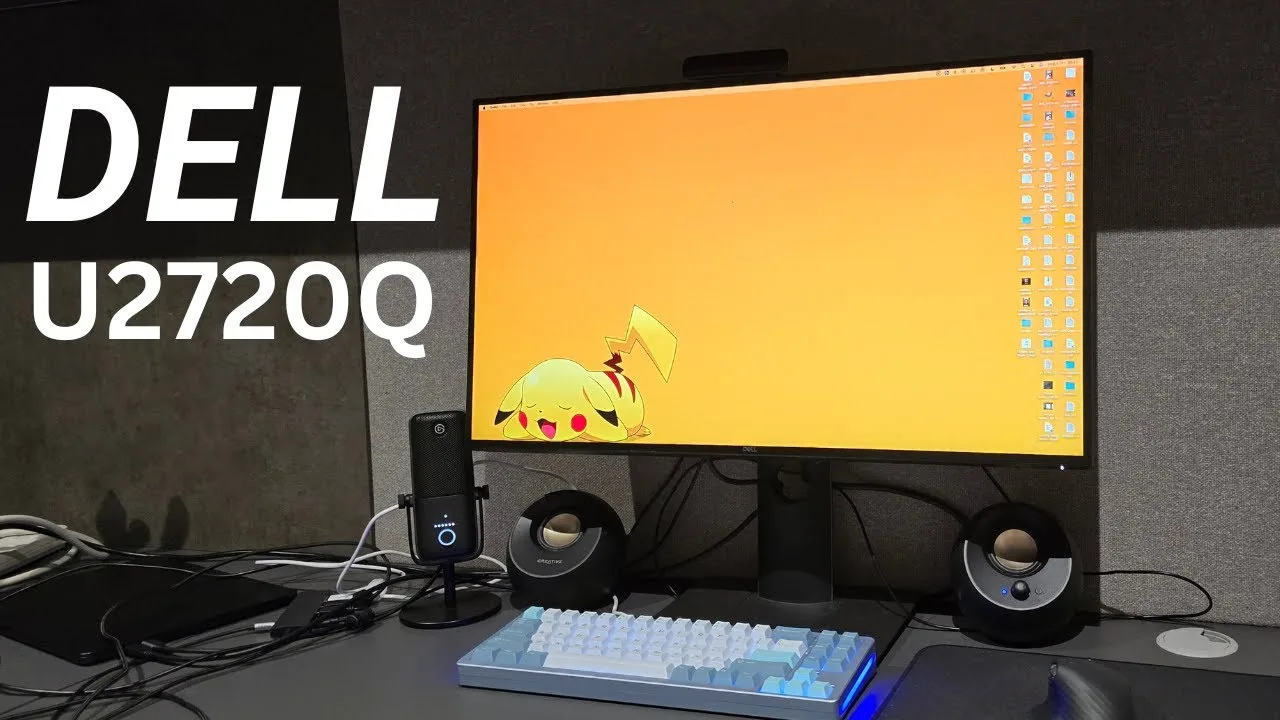
The reviewer considers this a solid default 4K monitor for laptop users wanting single-cable connectivity, including MacBooks. Build quality is decent with a sturdy plastic stand that may develop slight wobble over time. The 4K 60Hz IPS panel offers 99% sRGB, 95% DCI-P3, 1300:1 contrast, and 450 nits HDR peak brightness—adequate for most users but not professional-grade. The sleek thin-bezel design and VESA mount add flexibility. Port selection covers essentials: Thunderbolt 3 with laptop charging, DisplayPort, HDMI, audio jack, three USB-A, and one USB-C downstream. No speakers or webcam. Pricing varies wildly (£550-£1000); the reviewer recommends paying no more than ~$700.
- →Ideal for laptop users wanting clean single-cable desk setup
- →Best value when purchased around $700 or below
- →Sufficient for productivity but not professional color work
- →Consider monitor arm for long-term stability
- →Verify pricing carefully before purchasing
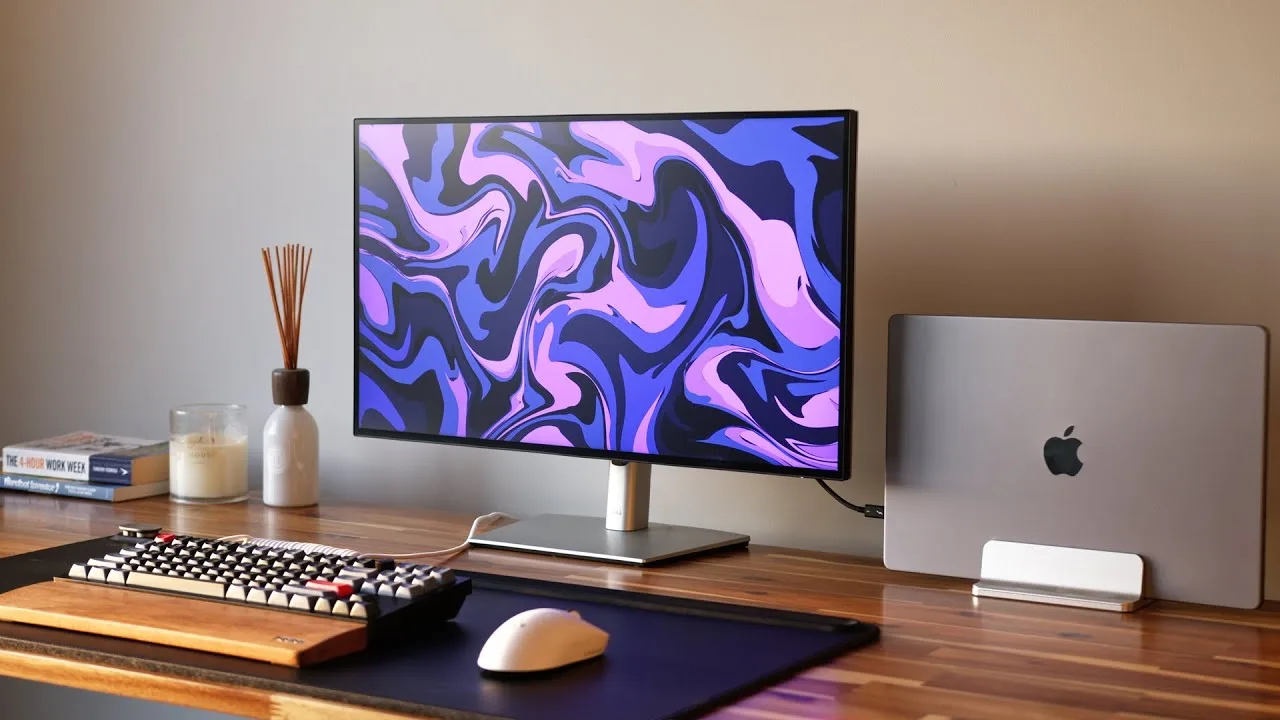 Created Tech
The Dell UltraSharp U2720Q is a 27-inch 4K USB-C monitor that balances …
Created Tech
The Dell UltraSharp U2720Q is a 27-inch 4K USB-C monitor that balances …
The Dell UltraSharp U2720Q is a 27-inch 4K USB-C monitor that balances features well without excelling in any single area. Its standout capability is the one-cable USB-C solution delivering 90W charging, 4K video output, and hub access simultaneously. The monitor functions effectively as a two-in-one device, potentially replacing separate purchases of a display and USB dock. Port selection includes HDMI, DisplayPort, multiple USB-A and USB-C connections, and daisy-chain support for additional 4K monitors. A built-in auto KVM switch allows seamless peripheral sharing between two computers when switching inputs. The quick-access USB-C port provides 15W charging suitable for phones and watches. All USB ports operate at USB 3.2 Gen 2 10Gbps speeds, though this falls short of Thunderbolt for high-performance SSDs. Notably absent are built-in speakers, requiring external audio solutions.
- →Ideal for MacBook users seeking affordable Studio Display alternative
- →Perfect for laptop users wanting clean single-cable desk setup
- →Excellent for dual-computer workflows with KVM functionality
- →Great choice when monitor and USB hub purchase planned together
- →Best suited where wired ethernet and maximum SSD speed aren't priorities
 James Leow
The reviewer unboxes and demonstrates the Dell UltraSharp U2720Q, …
James Leow
The reviewer unboxes and demonstrates the Dell UltraSharp U2720Q, …
The reviewer unboxes and demonstrates the Dell UltraSharp U2720Q, highlighting Dell's key marketing points including superior color accuracy with VESA DisplayHDR support, USB-C single-cable connectivity that charges laptops and transmits video/audio, and a versatile stand with height adjustment, tilt, swivel, and portrait rotation capabilities. The unboxing reveals included accessories: USB-C cable, USB-to-USB-C cable, HDMI cable, power cable, and documentation. The reviewer expresses enthusiasm about the monitor's potential for daily work, spreadsheets, and video content.
- →Ideal for laptop users wanting simplified single-cable docking
- →Excellent choice for spreadsheet and document-heavy workflows
- →Well-suited for professionals needing flexible ergonomic positioning
- →Good fit for content creators requiring accurate color reproduction
- →Portrait rotation useful for coding or reading long documents
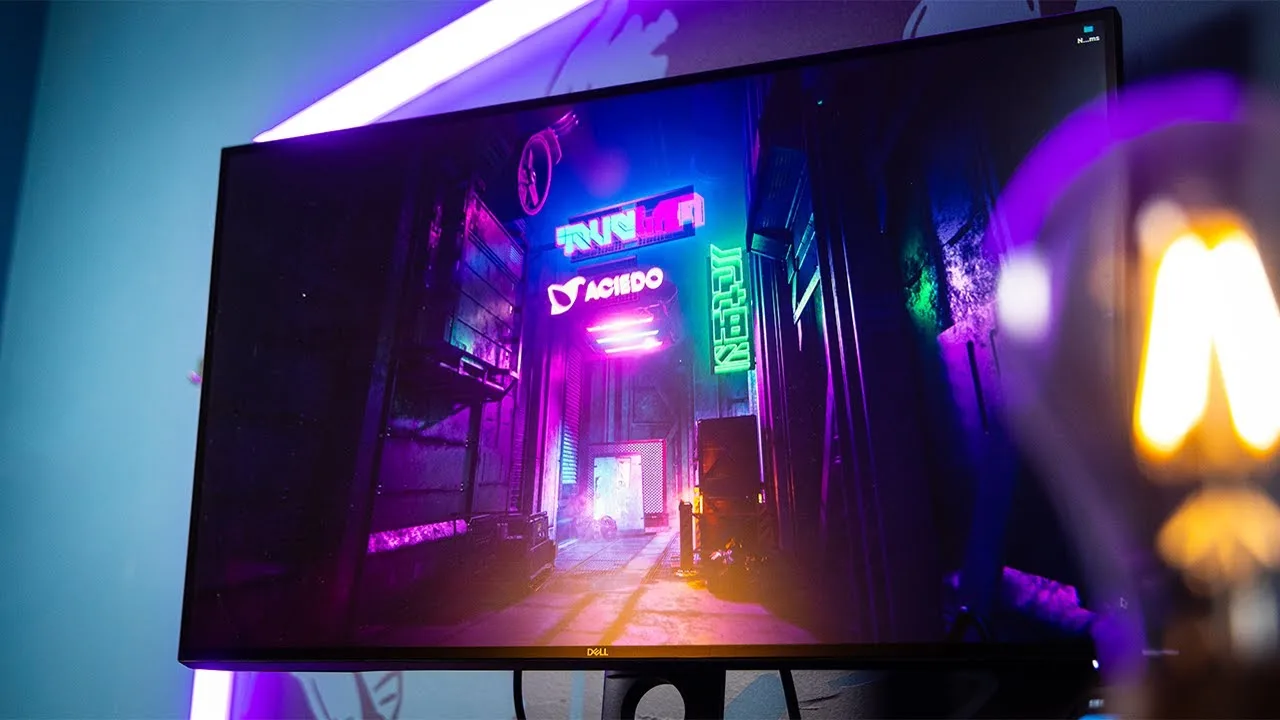 Rjey Tech
RJ has used this monitor for over a month as part of upgrading his …
Rjey Tech
RJ has used this monitor for over a month as part of upgrading his …
RJ has used this monitor for over a month as part of upgrading his workspace for content creation. It serves his primary need of editing YouTube videos with excellent color accuracy from its factory-calibrated IPS panel covering 99.9% sRGB. The 90W USB-C Thunderbolt port keeps his MacBook Pro charged even when the monitor is off. He finds the 27-inch size adequate at his 3-foot viewing distance, though he initially wanted 32 inches. While image quality is stunning for productivity, the HDR implementation disappoints due to limited color gamut and contrast. The 60Hz refresh rate and lack of variable refresh rate technology make it unsuitable for serious gaming, though it handles casual titles fine.
- →Ideal for video editing and color grading workflows
- →Perfect for MacBook Pro users needing single-cable setup
- →Prioritize productivity over gaming performance
- →Sufficient for casual gaming but not competitive FPS titles
- →Strong value for professional content creation at $600
 TechFoot Reviews
Mike from Techfoot Reviews unboxes and sets up the Dell UltraSharp …
TechFoot Reviews
Mike from Techfoot Reviews unboxes and sets up the Dell UltraSharp …
Mike from Techfoot Reviews unboxes and sets up the Dell UltraSharp U2720Q, a 27-inch 4K USB-C monitor from Dell's premium U series. He notes the included cables (USB-C to USB-C, USB-A to USB-C, HDMI, and DisplayPort), tool-free stand assembly, and adjustable ergonomics (tilt and height adjustment). Initial setup involves selecting language and USB-C charging options. He mentions the monitor achieves recognition from rating.com as a top pick and highlights its USB-C connectivity as forward-looking. First-time USB-C connection requires brief driver loading. He praises the contrast and black uniformity, promising comparison details in a follow-up video.
- →Ideal for professionals needing 4K USB-C workflow
- →First USB-C connection requires brief automatic driver installation
- →Premium U-series positioning above S and P lines
- →Suitable for users prioritizing contrast and black uniformity
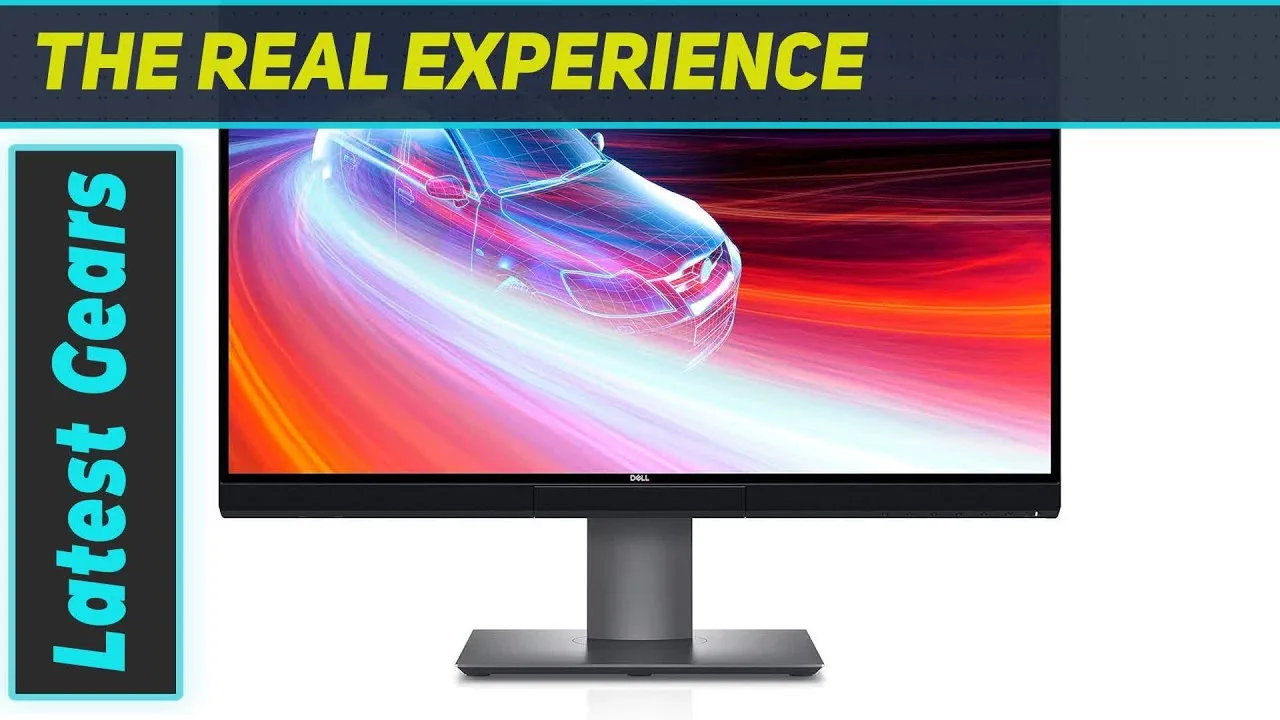 MR-Max Tube
The Dell U2720QM delivers impressive 4K clarity with its 3840x2160 …
MR-Max Tube
The Dell U2720QM delivers impressive 4K clarity with its 3840x2160 …
The Dell U2720QM delivers impressive 4K clarity with its 3840x2160 resolution and ultra-thin infinity-edge bezels. Color performance stands out with 95% DCI-P3 coverage, 1 billion colors, and VESA Display HDR 400 certification, making it well-suited for creative professionals. USB-C connectivity with 90W power delivery simplifies desk setups by combining data, video, and charging in one cable. The fully adjustable stand provides ergonomic flexibility. While the 60Hz refresh rate limits gaming appeal, the 1300:1 contrast ratio and excellent color gradient precision cater to color-critical workflows. Dell Display Manager software adds workspace customization options.
- →Ideal for content creators needing color accuracy
- →Perfect for designers requiring wide color gamut
- →Excellent choice for clean, minimal desk setups
- →Well-suited for professional photo and video editing
- →Not recommended for high-refresh gaming use cases
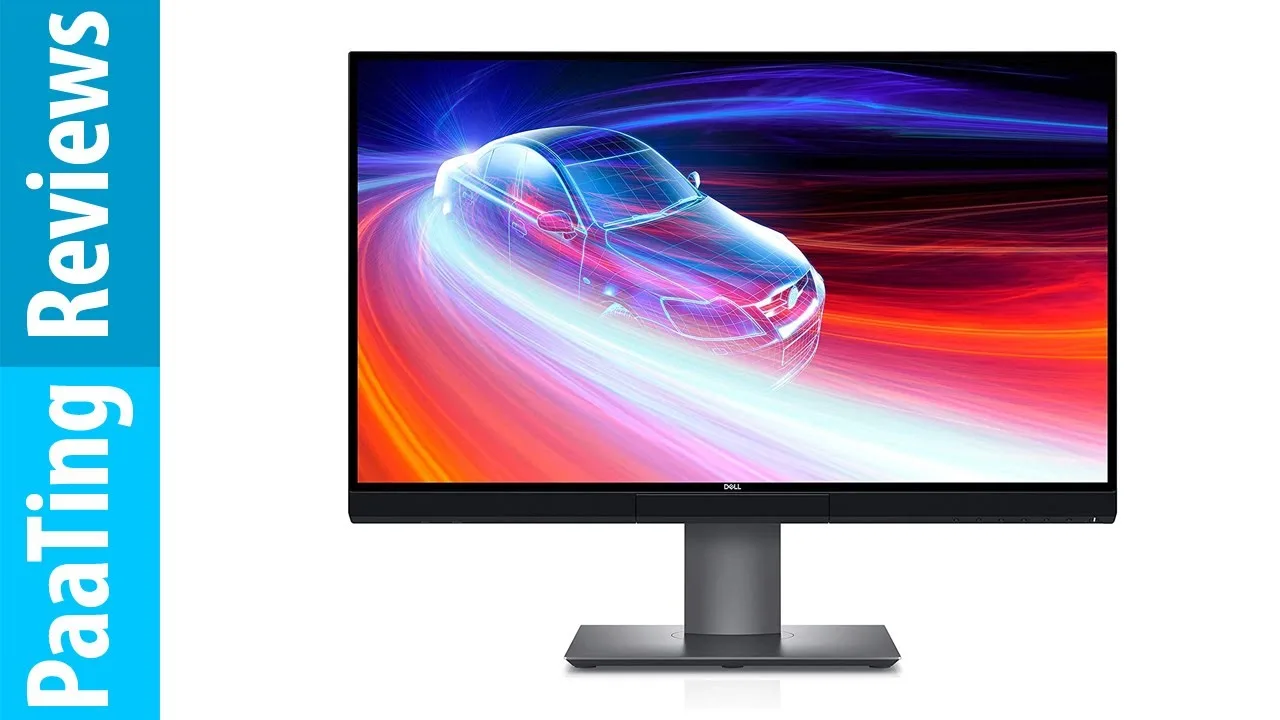 PaaTing Reviews
This monitor works seamlessly with Microsoft Surface Book 3 and …
PaaTing Reviews
This monitor works seamlessly with Microsoft Surface Book 3 and …
This monitor works seamlessly with Microsoft Surface Book 3 and Surface Dock 2, unlike previous ViewSonic purchases. Colors appear crisp and accurate with sufficient brightness for photography and writing tasks. Setup requires no configuration—it works immediately out of the box. The reviewer considers it excellent value compared to monitors costing over $1000. Technical specifications include 95% DCI-P3 color coverage, 90W USB-C power delivery, VESA DisplayHDR 400 certification, 1.07 billion color depth, and 1300:1 contrast ratio. The fully adjustable stand and virtually borderless design add practical benefits for daily professional use.
- →Ideal for Surface Book 3 users needing reliable dock compatibility
- →Strong choice for photography professionals requiring color accuracy
- →Perfect for users wanting hassle-free, immediate setup
- →Recommended for budget-conscious buyers refusing to compromise quality
- →Excellent for single-cable USB-C laptop workflows
 Tan Official
This review covers the Dell UltraSharp U2720Q 27-inch 4K monitor, …
Tan Official
This review covers the Dell UltraSharp U2720Q 27-inch 4K monitor, …
This review covers the Dell UltraSharp U2720Q 27-inch 4K monitor, highlighting its 3840x2160 resolution and included connectivity options. The reviewer emphasizes USB-C compatibility with MacBook Pro as a key feature, alongside standard HDMI and power cables. The monitor is presented as suitable for trading environments, graphic design, and daily work where a wider frame improves visibility. The unboxing demonstrates straightforward assembly with a stand, monitor panel, and neck mount. The reviewer notes portability considerations, suggesting it pairs well with laptops for home use when the built-in screen proves insufficient.
- →Ideal for forex trading and financial platform use
- →Well-suited for graphic design professionals
- →Excellent MacBook Pro companion monitor
- →Good upgrade from laptop screens for home office
- →Plug-and-play setup with multiple cable options
Scores based on weighted analysis of 22 expert and community sources. How we review →