

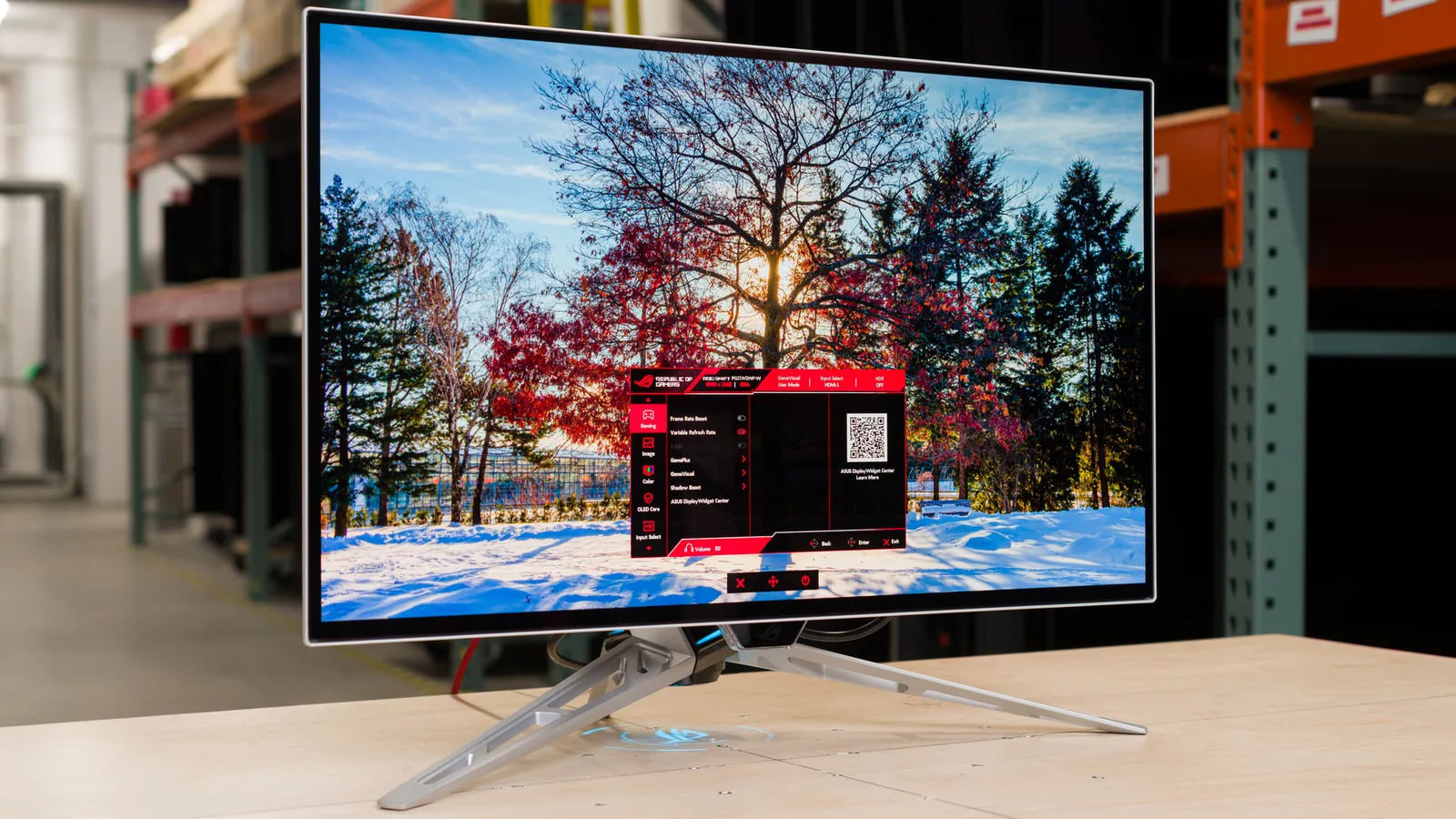
Asus ROG Swift PG27AQDP
Best For
- Competitive FPS gamers who regularly hit 400+ FPS
- Dark-room setups where OLED contrast shines
- PC gamers with a high-end GPU to match the 480Hz panel
Consider Carefully
- Users who need USB-C or KVM connectivity
- Bright-room setups where 275-nit SDR brightness falls short
- Budget-conscious buyers who can't justify $999 for 1440p
Jump to Section
The Bottom Line
The Asus ROG Swift PG27AQDP stands out as a top-tier gaming monitor, offering an exceptional blend of speed, image quality, and cutting-edge technology. What we found particularly impressive is its next-generation OLED HDR technology, which provides deep blacks and true blacks with completely off pixels, ensuring a stunning contrast ratio. This monitor's sub-0.1ms gray-to-gray response time and two HDMI 2.1 ports further solidify its position as a high-performance choice. IGN's review highlights its native 480Hz at 1440p without special modes or resolution trade-offs, which is a significant advantage for gamers demanding the highest refresh rates. However, there are a few trade-offs to consider. The lack of a USB-C input and the requirement for a powerful PC to fully utilize its 480Hz refresh rate might be drawbacks for some users. Additionally, the matte finish and the full-screen brightness capped at 275-nits, as noted by several sources, might not appeal to those who prefer a glossier look or higher peak brightness.
Performance Breakdown
Expert Scores
How 6 professional publications rated this product
In-Depth Analysis
Refresh Rate Performance 97
The PG27AQDP is the first monitor to hit 480Hz at full 1440p, no resolution compromises, no special modes. Whether you can actually feed it enough frames is a different question.
Key Takeaway
→If you're a competitive FPS player with a GPU that can push 400+ fps in your main titles, this is the only 1440p monitor that delivers 480Hz without compromise. If you're not, save the money.
Motion Clarity 96
Eight sources call this the best motion clarity available for competitive gaming. The 0.03ms GTG response time and 480Hz combination produce zero ghosting and sub-1ms feel that reviewers consistently describe as exceptional.
Key Takeaway
→For competitive PC gaming at high framerates, motion clarity is best-in-class. Console gamers and anyone gaming at 60Hz should look elsewhere.
OLED Image Quality 94
Seven sources agree the OLED contrast is exceptional for dark room gaming, and the new subpixel layout finally makes text legible enough for daily use.
Key Takeaway
→If you want OLED contrast for gaming and need the monitor to double as a workstation display, this is the first W-OLED that handles both without serious compromise.
Color Accuracy 93
Factory calibration lands under Delta E 2 with 99% DCI-P3 coverage and true 10-bit color depth. Four sources say it's sufficient for professional color work without additional calibration.
Key Takeaway
→Out-of-box color accuracy is good enough for most creative work, but if your workflow demands precision, plan to calibrate rather than trust the factory settings.
HDR & Brightness 90
1,300 nits peak brightness is genuinely impressive for an OLED, but full-screen brightness caps at 275 nits, so bright-room desktop use will expose the limits.
Key Takeaway
→For dark room HDR gaming this delivers, but if your setup gets significant ambient light, the 275-nit full-screen cap will be a daily frustration.
Build & Ergonomics 85
The stand is fully articulated with portrait rotation and a built-in camera mount, but the three-legged base eats desk space and the $999 price tag comes with some notable omissions.
Key Takeaway
→Budget for a monitor arm. The stand's footprint is a genuine problem on most desks, and the arm solves it while unlocking the full ergonomic range.
Burn-In Protection 85
Four sources confirm the OLED Care suite is extensive, but rtings.com is clear that using it consistently isn't optional if you want the panel to last.
Key Takeaway
→The burn-in protection tools are comprehensive, but they only work if you use them. Factor in the discipline required to run OLED Care consistently before committing at this price.
Connectivity & Features 78
Dual HDMI 2.1 and DisplayPort 1.4 cover the basics, but no USB-C at $999 is a real omission, and hitting full 480Hz requires DSC compression that not every GPU handles cleanly.
Key Takeaway
→Verify your GPU supports DSC before buying, and accept that USB-C and KVM are off the table at this price point.
Specifications & Verdict
Display
- Screen Size
- 26.5 in
- Resolution
- 2560 × 1440
- Aspect Ratio
- 1.778:1
- Pixel Density
- 110 ppi
- Panel Type
- OLED
- Screen Coating
- Anti-glare/Matte
Performance
- Refresh Rate
- 480 Hz
- Response Time
- 0.03 ms
- Input Lag
- 1.7 ms
- Adaptive Sync
- FreeSync and G-Sync Compatible
Image
- Contrast Ratio
- 1500000 : 1
- Brightness
- 275 nits
- Peak Brightness
- 1300 nits
- Color Gamut
- 135 %
- Color Depth
- 1073741824 colors
- Color Accuracy
- Delta <2
- HDR Support
- DisplayHDR 400 True Black
- Local Dimming Zones
- 3686400
- Viewing Angles
- 178 °
Connectivity
- Video Inputs
- 1x DisplayPort 1.4, 2x HDMI 2.1
- HDMI Ports
- 2
- HDMI Version
- 2.1
- DisplayPort
- 1
- DisplayPort Version
- 1.4
- USB Ports
- 2
- Audio Output
- 3.5mm headphone output
- Speakers
- No
Design
- Weight
- 3.5 kg
- Dimensions
- 586.75 mm
- Bezel Width
- [object Object]
- Panel Thickness
- 2 inches (51mm)
- VESA Mount
- Yes
- Height Adjustment
- 110 mm
- Tilt
- -5 - 20°
- Swivel
- -30 - 30°
- Pivot
- -90 - 90°
Features
- Gaming Features
- up to 240Hz, supported
- Special Features
- Anti-theft stand lock slot - Kensington
Other Specs
- Power Consumption
- 27 W
- Custom Heatsink
- Yes
- Uniform Brightness Option
- limits to ~275-nits
Our Verdict
The Asus ROG Swift PG27AQDP earns its 91/100 score by delivering something genuinely new: native 480Hz at 1440p on an OLED panel, with 0.03ms response times and 1300-nit peak brightness. Competitive gamers who can push high frame counts will get real, measurable benefits here. The missing USB-C and modest 275-nit full-screen brightness are real omissions at $999, but if your priority is the fastest, sharpest motion on an OLED display available right now, this is the one to buy.
Customer Reviews Amazon
229 reviews
Amazing monitor, Matte is perfectly fine
Great Monitor!
Incredible Monitor
Awful experience and beta firmware
Show all 8 reviews
best monitor
Goat
Good monitor with small nick nacks
3 meses de uso - Una de las mejores compras que he hecho en 4 años
Reviews shown are from Amazon customers and do not reflect our editorial assessment.
Reader Questions
Specific questions about the Asus ROG Swift PG27AQDP, answered only from what reviewers reported.
01Do I need a very powerful PC to get the most out of this monitor?
Yes. Reviewers warn that reaching anywhere near 480 frames per second at 1440p demands a top-tier GPU and a powerful CPU. The connection also requires DSC compression due to bandwidth limitations, which is an additional consideration.
02How good is the HDR performance compared to other OLED monitors?
Reviewers highlight MLA+ technology enabling higher brightness than typical OLEDs, with peak brightness around 1,300 nits for small highlights and 99% DCI-P3 color coverage. The OLED panel also delivers infinite contrast with true black levels, making HDR content stand out.
03Is the full-screen brightness good enough for a bright room?
Full-screen brightness is capped at around 275 nits, which reviewers consider relatively modest. Several sources suggest this monitor is best suited for dark room usage due to OLED brightness limitations.
04Does it have USB-C connectivity?
No. Reviewers consistently flag the absence of USB-C as a notable omission, with several pointing out this is a meaningful gap given the monitor's price point. There is also no KVM switch functionality.
05Is burn-in a concern, and does Asus offer any protection?
Asus includes extensive OLED Care settings to help prevent burn-in, and the monitor comes with a three-year burn-in warranty for added peace of mind.
06Does the 480Hz refresh rate actually make a visible difference in motion clarity?
Reviewers consistently found the 480Hz panel delivers noticeably improved motion clarity, with measured gray-to-gray response times as low as 0.44ms and zero ghosting in motion tests. Multiple sources noted the improvement is perceptible over 240Hz displays.
Pricing & Availability
Updated Jul 3, 2026Asus ROG Swift PG27AQDP
All regions
Sources & Methodology
Every score is built on evidence. This review synthesizes 24 independent sources — expert publications, video reviews, and community discussions — weighted by credibility, depth, and relevance.
Show detailed source analysis ↓ Hide source analysis ↑
Expert Reviews
tomshardware.com
Top
5/5-point
The PG27AQDP delivers exceptional gaming performance as the fastest QHD OLED currently available, running at a genuine 480 Hz refresh rate without overclocking or resolution compromises. Image quality impresses with over 97% DCI-P3 coverage, strong out-of-box accuracy, and measured brightness reaching 400 nits SDR and up to 1,300 nits HDR highlights. Video processing achieves perfect motion resolution with incredibly low input lag. The feature set is extensive, including Adaptive-Sync, ELMB at 120/240 Hz, comprehensive screen care options, and AI-enhanced gaming aids. Build quality and styling meet premium expectations with customizable ROG lighting effects.
Strengths
- +Stunning image with higher brightness than most OLEDs
- +Richly saturated color without needing calibration
- +Perfect motion resolution and incredibly low input lag
- +Massive feature list for gaming and convenience
ign.com
Top
9/10-point
A premium $999 gaming monitor built around a 26.5-inch WOLED panel with 1440p resolution and a claimed world-first native 480Hz refresh rate at 10-bit color. The reviewer found it delivers tangible competitive advantages in esports titles through reduced input latency and exceptional motion clarity. HDR performance reaches up to 1,300 nits with 99% DCI-P3 coverage and Delta <2 color accuracy. The physical design impresses with extensive ergonomics, a unique semi-translucent frosted plastic rear frame, and practical content creator features like a top-mounted camera thread. Connectivity omits USB-C and SmartKVM, notable omissions at this price point.
Strengths
- +Native 480Hz at 1440p without special modes or resolution trade-offs
- +Tangible competitive advantage in esports with reduced input latency
- +Up to 1,300 nits brightness with 99% DCI-P3 coverage
- +Delta <2 color accuracy suitable for creative work
Weaknesses
- −No USB-C connectivity at $999 price point
- −Missing SmartKVM technology found on pricier models
- −No built-in speakers included
- −Thin panel requires careful handling during adjustment
rtings.com
Top
9.2/10-point
A premium 27-inch 1440p OLED gaming monitor with a 480Hz refresh rate and MLA+ technology for enhanced brightness. Features HDMI 2.1 bandwidth, OLED Anti-Flicker, Extreme Low Motion Blur, and OLED Care settings with a custom heatsink to reduce burn-in risk. Delivers perfect contrast and excellent gaming performance, though software bugs affecting settings stability are a notable concern. Best suited for competitive gaming in well-lit environments, but may require waiting for firmware updates.
Strengths
- +480Hz refresh rate for competitive gaming
- +MLA+ technology enables higher brightness
- +HDMI 2.1 bandwidth for modern graphics cards
- +OLED Anti-Flicker reduces eye strain
Weaknesses
- −Software bugs cause settings to randomly change
- −Some features don't work properly
- −Higher input lag at 60Hz
- −Matte screen finish may reduce perceived clarity
digitaltrends.com
Top
9/10-point
The reviewer was highly impressed with the PG27AQDP, considering it a groundbreaking OLED gaming monitor that exceeded already high expectations. At $999, it delivers 480Hz refresh rate with exceptional motion clarity, improved brightness over previous OLEDs, and a wealth of features including burn-in prevention settings and a useful 24.5-inch crop mode for esports. The design incorporates premium touches like a tri-point stand with wide adjustability, cable routing, and a semi-transparent back panel revealing internal components. While packed with AI gaming features and ELMB technology, the reviewer found these less compelling than the core display performance. The monitor represents Asus's accumulated OLED expertise and sets a new standard for gaming displays.
Strengths
- +Insane motion clarity at 480Hz refresh rate
- +Useful 24.5-inch crop mode for esports
- +Extensive burn-in prevention settings included
- +Display Widget Center enables easy monitor control
Weaknesses
- −No USB-C input included
- −Lacks KVM switch functionality
- −ELMB mode significantly limits brightness
- −AI gaming features feel unnecessary
back2gaming.com
Top
87/100
The ROG Swift PG27AQDP is a 26.5-inch QHD WOLED gaming monitor delivering native 480Hz refresh rate and 0.03ms response time without requiring overclock. It features a glossy panel with heavy ROG branding including AURA SYNC lighting, a light-up logo projector, and front accent lighting. The fully adjustable stand supports height, pan, tilt, and single-direction rotation to portrait mode, though its lowered position is limited by the raised base. ASUS includes OLED Care+ burn-in prevention, a custom heatsink with advanced airflow, and OLED Anti-Flicker technology. AI gaming assists include dynamic crosshair, shadow boost, sniper, visual modes, and MOBA map helper. Connectivity covers DisplayPort 1.4 with DSC, dual HDMI 2.1, USB 3.2 hub, and a tripod socket for streaming gear.
Strengths
- +Native 480Hz refresh rate with no overclock needed
- +Extremely fast 0.03ms GTG response time
- +Glossy WOLED panel with anti-glare treatment
- +Comprehensive OLED burn-in prevention features
Weaknesses
- −Lowered height position limited by raised base design
- −Screen rotation only works in one direction
- −External DC power adapter instead of internal
- −Heavy ROG branding may not suit all aesthetics
displayninja.com
Top
4.6/5-point
The PG27AQDP delivers exceptional gaming performance through its 27-inch 1440p W-OLED panel with 480Hz refresh rate—the highest available on any OLED display. LG's improved RGWB subpixel layout minimizes color fringing on text, making it viable for everyday work. The monitor achieves impressive brightness peaks up to 1300-nits for small highlights, though full-screen content is limited to 275-nits. Factory calibration ensures Delta E < 2 accuracy with 98.5% DCI-P3 coverage. Instantaneous pixel response eliminates ghosting entirely, while ~1ms display latency feels imperceptible. BFI support up to 240Hz provides additional motion clarity options. The 'Uniform Brightness' setting proves essential for desktop use to prevent distracting ABL fluctuations.
Strengths
- +480Hz highest refresh rate among all OLED displays
- +Instantaneous response time with zero ghosting or overshoot
- +Improved RGWB subpixel layout reduces text fringing
- +1300-nit peak brightness for small highlights
Weaknesses
- −Full-screen brightness capped at 275-nits
- −ABL behavior without Uniform Brightness enabled
- −Requires high FPS to justify 480Hz premium
- −Color luminance lower than QD-OLED alternatives
effingnerdery.net
The reviewer purchased the PG27AQDP after their previous monitor began failing. They considered three Asus monitors but chose this 480Hz OLED model for its improved sRGB color accuracy over the older PG27AQDM, despite initial hesitation about calibration needs. Colors exceeded expectations with inky blacks making content pop, though some shadow detail is lost compared to LCD. The 27" size required minor desk and mouse movement adjustments. The 480Hz refresh rate feels unnecessary for most games, with the reviewer acknowledging diminishing returns beyond 240Hz. Sub-1ms OLED response times deliver exceptional motion clarity in fast-paced titles like Doom and Call of Duty. The $1000 price point was a significant consideration.
Strengths
- +Amazing colors with inky blacks that make content pop
- +Improved sRGB accuracy over previous generation OLED
- +Sub-1ms response times feel incredible in fast-paced games
- +Exceptional motion clarity for competitive gaming
Weaknesses
- −sRGB colors still need tweaking out of the box
- −$1000 price point is expensive for a monitor
- −480Hz unnecessary for most current games
- −Some shadow detail lost compared to LCD displays
displayspecifications.com
This 2024 Asus ROG Swift OLED PG27AQDP features a 26.5-inch LG Display OLED panel with 2560x1440 QHD resolution. It delivers 10-bit color depth without FRC, covering 135% sRGB and 99% DCI-P3 color spaces. The monitor achieves 275 cd/m² typical brightness with an exceptional 1300 cd/m² peak brightness for HDR content, and carries DisplayHDR 400 True Black certification with HDR10 support. Its 1,500,000:1 static contrast ratio enables true black levels characteristic of OLED technology. The 110 ppi pixel density and 91.19% display area ratio provide an immersive viewing experience with 178° viewing angles in both directions.
Strengths
- +OLED panel delivers 1,500,000:1 static contrast ratio
- +1300 cd/m² peak brightness for impactful HDR
- +99% DCI-P3 coverage for cinematic color accuracy
- +10-bit native color depth without FRC dithering
Weaknesses
- −275 cd/m² typical brightness relatively modest
- −26.5-inch size may feel small for 4K expectations
- −QHD resolution limits pixel density to 110 ppi
igorslab.de
The ASUS ROG Swift PG27AQDP is positioned as a potential all-rounder gaming monitor, combining WQHD resolution with an unprecedented 480 Hz refresh rate using an LG OLED panel. A notable technical innovation is the new RGWB subpixel layout, which may improve text readability compared to traditional OLED monitors. Packaging was adequate though not exceptional, with some plastic/foam materials used. The reviewer expresses cautious optimism about whether the monitor can deliver on its ambitious paper specifications across multiple use cases, reserving judgment on value until full testing is complete.
Strengths
- +First WQHD monitor with 480 Hz refresh rate
- +Uses LG OLED panel for display
- +New RGWB subpixel layout improves text clarity
- +Positioned as versatile all-rounder monitor
Weaknesses
- −Packaging uses unnecessary foam and plastic
Video Reviews
 Monitors Unboxed
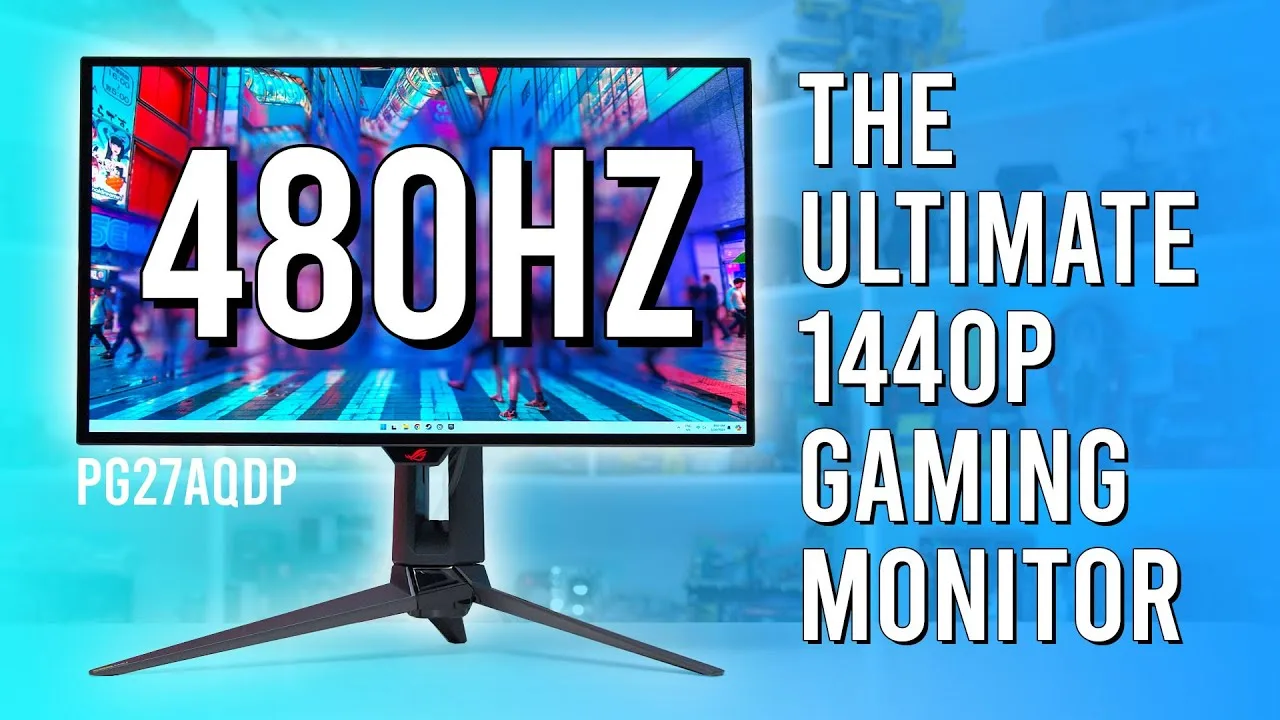
The PG27AQDP is the first 1440p 480Hz OLED gaming monitor, featuring a …
Monitors Unboxed
The PG27AQDP is the first 1440p 480Hz OLED gaming monitor, featuring a …
The PG27AQDP is the first 1440p 480Hz OLED gaming monitor, featuring a new LG W-OLED panel that doubles the refresh rate of its 240Hz predecessor. At $1,000, it commands a premium over current W-OLED alternatives now priced below $800. The design remains familiar with an elevated metal stand, RGB lighting including a projected logo, and a new translucent rear plastic. Fanless operation continues, while connectivity upgrades to DisplayPort 1.4 with DSC and two full-bandwidth HDMI 2.1 ports supporting the full 480Hz. The RGWB sub-pixel layout improves text clarity over previous W-OLED designs, though some artifacts persist. Motion clarity targets competitive gamers, while per-pixel HDR control suits single-player experiences.
- →Ideal for competitive gamers prioritizing 480Hz motion clarity
- →Viable for mixed use with improved text over prior W-OLEDs
- →Consider waiting if 240Hz W-OLED suffices for $200+ less
- →Best paired with modern GPU supporting DSC for full refresh
- →Single-player HDR gaming benefits from per-pixel OLED control
 ArcadeSpawn
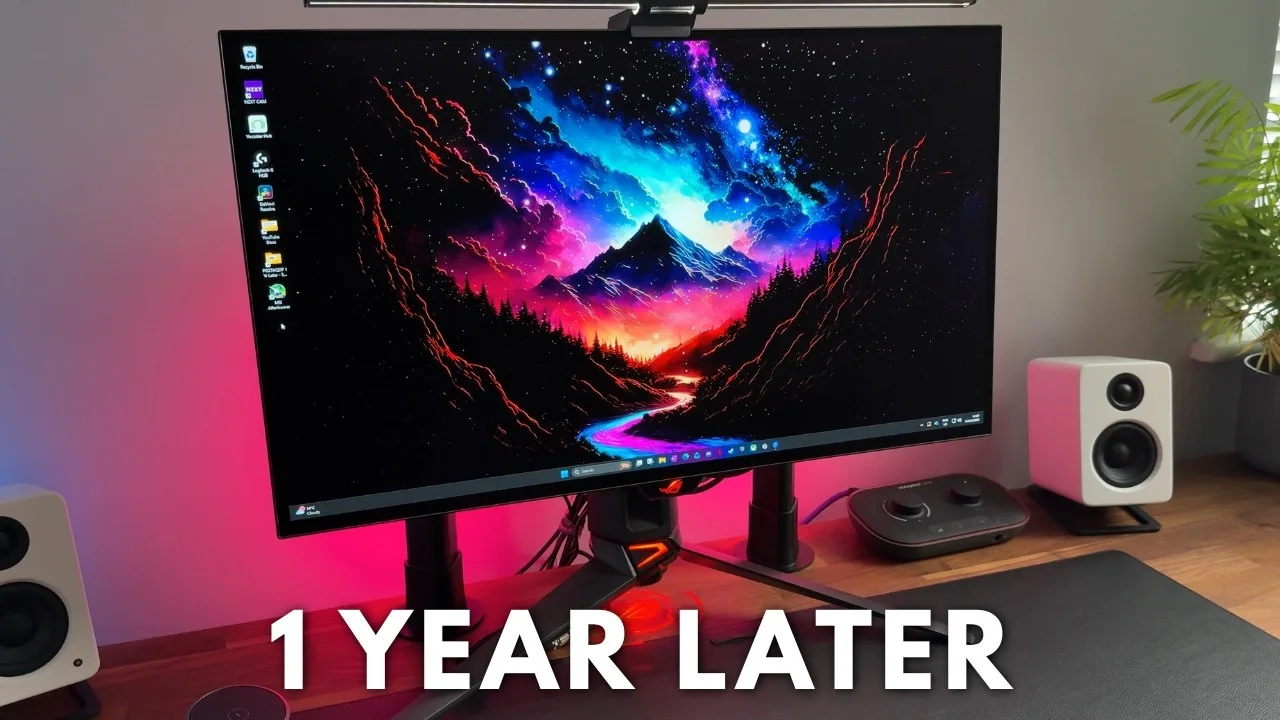
After one year of ownership, the reviewer considers this 27-inch 1440p …
ArcadeSpawn
After one year of ownership, the reviewer considers this 27-inch 1440p …
After one year of ownership, the reviewer considers this 27-inch 1440p OLED monitor a 'no compromises' display for gaming. The 480Hz refresh rate, near-perfect response times, and gorgeous colors with deep blacks deliver exceptional performance. The anti-glare finish performs well across various lighting conditions, and the stand offers excellent adjustability despite bulky tripod legs. HDR400 True Black certification with 1300 nits peak brightness and 99% DCI-P3 coverage provide strong image quality. However, the 480Hz refresh rate feels excessive for the reviewer's 3080 GPU, and the absence of USB-C, built-in speakers, and an internal power supply may disappoint some users.
- →Ideal for competitive gamers prioritizing speed and visual fidelity
- →Works well in bright rooms due to anti-glare coating
- →Sufficient for professional color work with factory calibration
- →Consider lower refresh rate alternatives to save money
- →Ensure adequate desk space for tripod base or use VESA mount
 Brandon Taylor
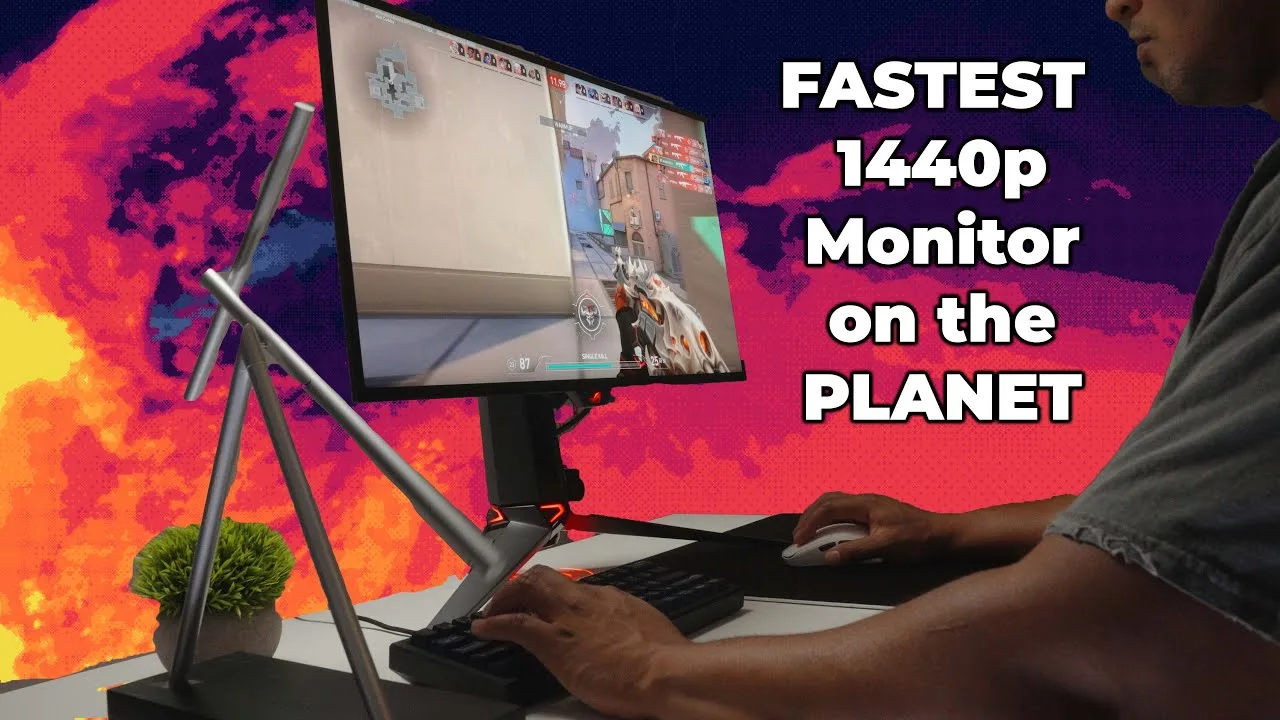
The reviewer evaluates the $1,000 Asus ROG Swift PG27AQDP as a …
Brandon Taylor
The reviewer evaluates the $1,000 Asus ROG Swift PG27AQDP as a …
The reviewer evaluates the $1,000 Asus ROG Swift PG27AQDP as a top-tier 480Hz 1440p OLED gaming monitor with 0.03ms response time. They consider the pricing reasonable given historical Asus releases and current market conditions. The matte WOLED panel delivers rich, deep colors with 99% DCI-P3 coverage. Standout features include AI shadow boost that preserves image quality while brightening dark areas, and aspect ratio control that sharply shrinks the 27-inch display to a 24-inch-like experience. The reviewer recommends using the racing gaming preset for general use and RGB mode for color work. They advise against using ELMB since it requires dropping to 240Hz or 120Hz, defeating the monitor's primary selling point. The stand is bulky for shorter desks, and the matte finish may disappoint glossy panel enthusiasts.
- →Ideal for competitive FPS players seeking maximum refresh rate
- →Use racing preset for gaming, RGB mode for editing
- →Skip ELMB and run native 480Hz for full advantage
- →Monitor arm recommended due to large stand footprint
- →Aspect ratio feature suits players wanting 24-inch feel
 TFTCentral
The reviewer considers this the best OLED gaming monitor currently …
TFTCentral
The reviewer considers this the best OLED gaming monitor currently …
The reviewer considers this the best OLED gaming monitor currently available, primarily due to its groundbreaking 1440p 480Hz specification. Testing revealed a 0.44ms grey-to-grey response time with noticeably improved motion clarity over 240Hz OLED alternatives. The higher refresh rate reduces stroboscopic stepping effects and improves perceived sharpness during fast movement. Comprehensive aspect ratio controls accommodate competitive gaming preferences, including legacy resolutions. The ELMB black frame insertion feature works up to 240Hz with improved brightness over previous ASUS implementations, though with menu activation complexity and HDR/VRR incompatibility. Adaptive Sync certification covers AMD, NVIDIA and VESA standards, with OLED anti-flicker modes included.
- →Ideal for competitive gamers prioritizing motion clarity
- →Requires high-end GPU to approach full 480Hz potential
- →Consider future system upgrades when purchasing
- →BFI at 240Hz offers clarity shortcut for average systems
- →Aspect ratio controls suit legacy competitive resolutions
 FIRE WOLF TECH
This 27-inch 1440p WOLED monitor delivers a 480Hz refresh rate with …
FIRE WOLF TECH
This 27-inch 1440p WOLED monitor delivers a 480Hz refresh rate with …
This 27-inch 1440p WOLED monitor delivers a 480Hz refresh rate with deep blacks, 10-bit color, and 99% DCI-P3 coverage factory-calibrated to Delta E < 2. SDR brightness reaches 450 nits while HDR peaks at 1300 nits across multiple adjustable modes. The anti-glare matte coating trades some clarity for practical lighting flexibility. Gaming performance shines in esports titles—Rocket League hit 500-620 FPS with 1ms frame times—but current GPUs struggle to reach 480 FPS in AAA games. Unique AI features include dynamic crosshair coloring and shadow boost. OLED anti-flicker reduces VRR flickering without disabling sync, though toggling it can cause delays or crashes. Missing USB-C and DisplayPort 2.1 feel like omissions at $999.
- →Ideal for competitive esports players seeking maximum refresh rates
- →Best paired with top-tier GPUs to approach 480 FPS potential
- →Excellent for dark-room gaming with effective anti-flicker solution
- →Console gamers limited to 120Hz VRR via HDMI 2.1
- →Requires external audio solution due to no speakers
 RTINGS Computer
This 27-inch 1440p OLED monitor delivers a 480Hz refresh rate with …
RTINGS Computer
This 27-inch 1440p OLED monitor delivers a 480Hz refresh rate with …
This 27-inch 1440p OLED monitor delivers a 480Hz refresh rate with exceptionally sharp motion handling and low input lag at higher refresh rates. The stand offers easy adjustability with cable management, while connectivity includes DisplayPort 1.4, dual HDMI 2.1, USB hub, and headphone jack. OLED strengths shine through with perfect contrast, no blooming, and impressive HDR brightness for small highlights. Console compatibility is solid, including 4K downscaling up to 120Hz for Xbox HDR. However, significant firmware bugs plague the experience—settings change spontaneously, some lock out, and others malfunction entirely. VRR flicker in dark scenes proves distracting, with the anti-flicker setting introducing stutter. Black frame insertion only works at fixed 120Hz or 240Hz, not with VRR. Input lag spikes considerably at 60Hz, and brightness fluctuates between different content windows.
- →Best suited for high-frame-rate PC gaming above 60Hz
- →Ideal for dark room gaming with OLED contrast advantages
- →Console users benefit from 4K downscaling for HDR
- →Wait for firmware updates before purchasing
- →Consider uniform brightness setting for consistent desktop use
 Linus Tech Tips
This 27-inch 1440p OLED monitor delivers 480Hz refresh rate without …
Linus Tech Tips
This 27-inch 1440p OLED monitor delivers 480Hz refresh rate without …
This 27-inch 1440p OLED monitor delivers 480Hz refresh rate without the resolution compromises of earlier high-refresh OLED displays. It uses LG's WOLED panel with micro lens array plus technology, claiming 20% wider viewing angles and reduced color fringing. A custom heatsink aims to mitigate burn-in risk, backed by a three-year warranty. The reviewer notes it avoids the purple hue sometimes seen on QD-OLED panels. However, achieving 1440p at 480Hz requires Display Stream Compression (DSC) since no current GPU supports DisplayPort 2.1 UHBR20, and both DisplayPort 1.4 and HDMI 2.1 lack sufficient bandwidth. The reviewer expresses concern about potentially detecting compression artifacts that DSC's 'visually lossless' claim allows.
- →Ideal for competitive esports seeking maximum motion clarity
- →Best paired with upcoming GPUs supporting newer display standards
- →Requires acceptance of compression for full 480Hz operation
- →Suitable for users sensitive to QD-OLED color artifacts
- →Plan for direct cable runs avoiding wall plate connections
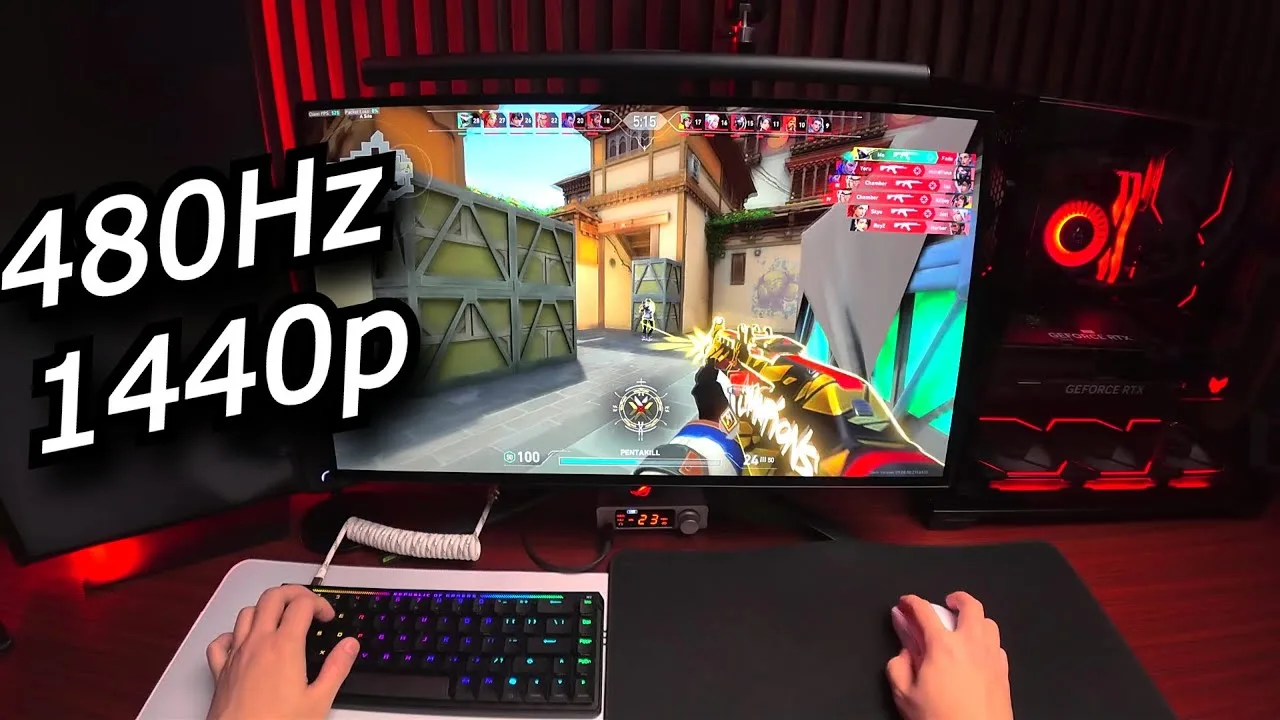 Vainsz
This 480Hz 1440p OLED monitor delivers exceptional competitive gaming …
Vainsz
This 480Hz 1440p OLED monitor delivers exceptional competitive gaming …
This 480Hz 1440p OLED monitor delivers exceptional competitive gaming performance without sacrificing image quality. The reviewer found no perceptible difference versus 540Hz panels, while 1440p resolution and OLED technology provide dramatic improvements over previous 1080p TN options. HDR content consumption impressed significantly. The 27-inch size works well for both gaming and productivity, with a 25-inch crop mode available. At 265 nits brightness, it suits most environments though may not satisfy users needing extreme brightness. Both glossy and matte coating options exist for different room conditions. The 0.03ms response time is technically impressive though practically indistinguishable from 1-2ms alternatives. OLED burn-in risk exists, mitigated by built-in care features.
- →Ideal upgrade path from 240Hz or lower refresh rates
- →Competitive gamers benefit most from tight angle confidence
- →Content creators gain editing workspace at 1440p resolution
- →Choose glossy for dark rooms, matte for bright environments
- →Essential for players maximizing existing skill potential
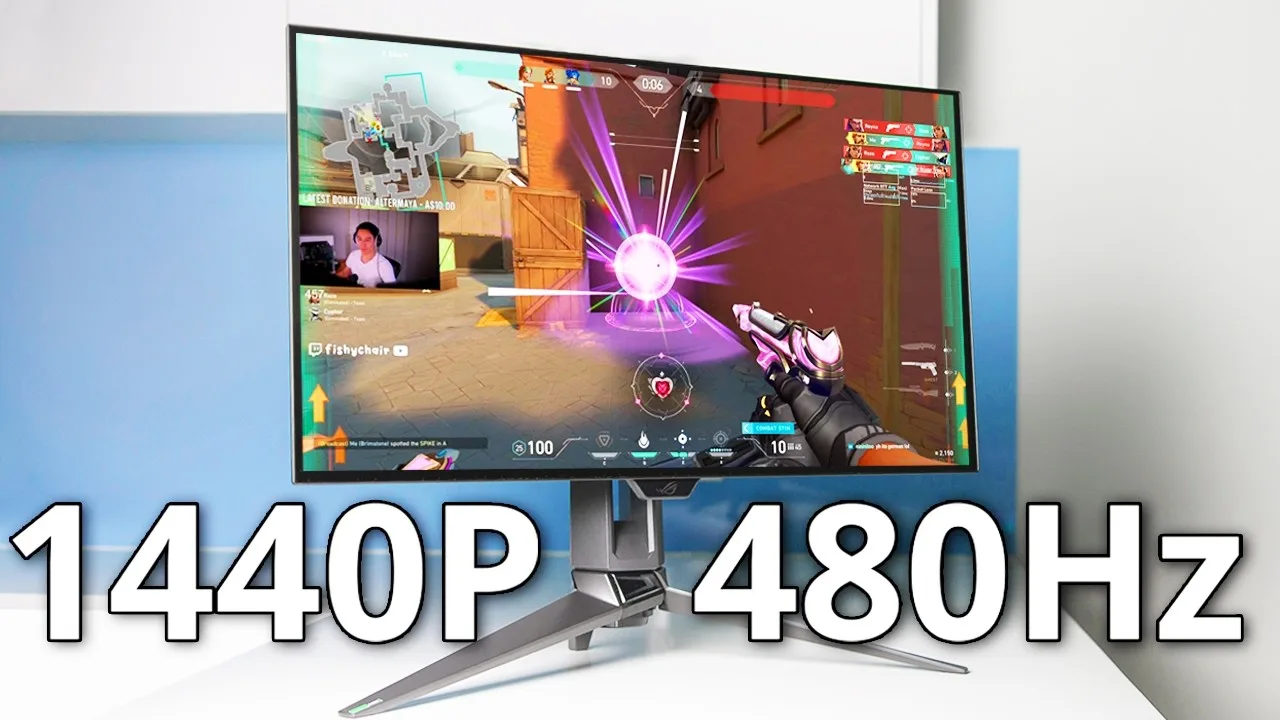 fishychair
This 480Hz QHD OLED monitor impressed the reviewer immediately upon …
fishychair
This 480Hz QHD OLED monitor impressed the reviewer immediately upon …
This 480Hz QHD OLED monitor impressed the reviewer immediately upon first use. The design is exceptionally thin and lightweight yet stable, with generous height adjustment that eliminated the need for monitor risers. A 3/8-inch thread on top accommodates accessories like cameras or lighting. The OLED panel delivers true blacks with pixels that completely turn off, producing colors the reviewer describes as 'on a different level' compared to IPS. Sharpness is noticeably improved for desktop use, programming, and gaming without causing eye strain. The 480Hz refresh rate creates an almost lifelike, fluid experience with zero ghosting in motion tests, though requires powerful hardware to fully utilize. A minor grittiness appears on uniform dark colors.
- →Ideal for competitive gamers seeking maximum refresh rate
- →Excellent for programmers needing sharp, comfortable text
- →Well-suited for content creators using top-mounted accessories
- →Best paired with high-end GPUs for full 480Hz benefit
- →Strong choice for users prioritizing color accuracy
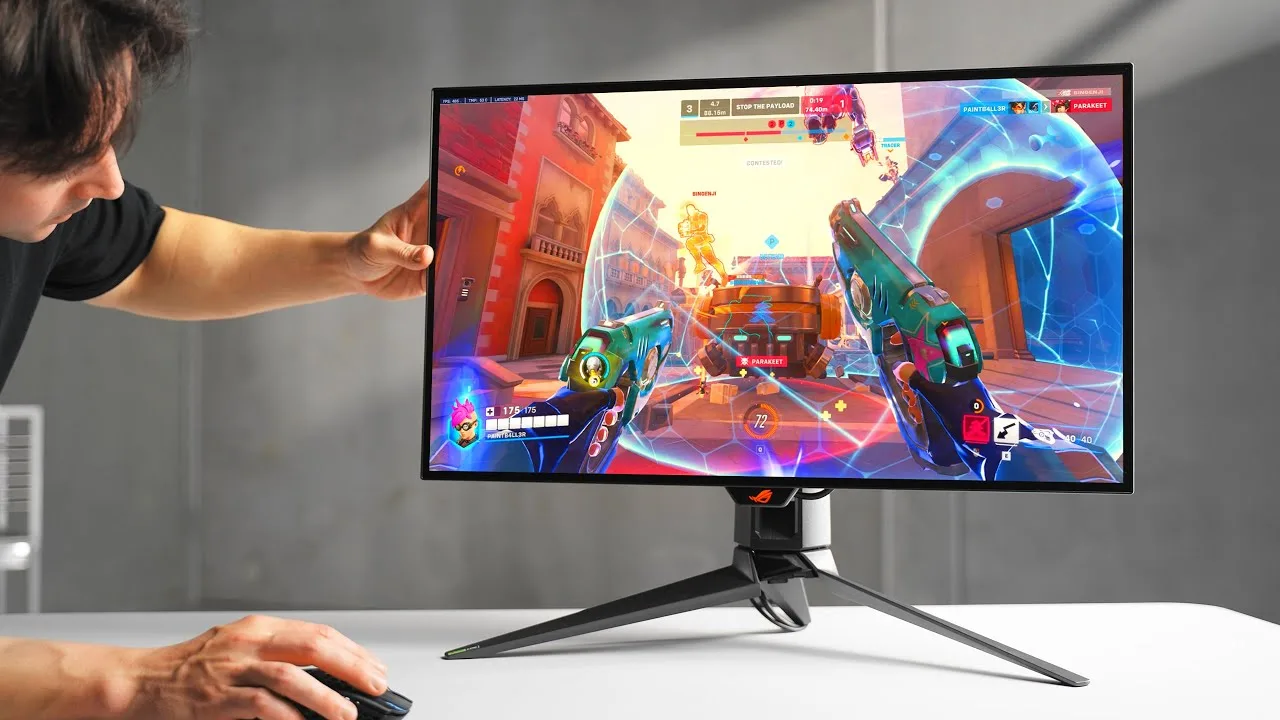 optimum
This 27-inch 1440p OLED monitor delivers 480Hz refresh rate with …
optimum
This 27-inch 1440p OLED monitor delivers 480Hz refresh rate with …
This 27-inch 1440p OLED monitor delivers 480Hz refresh rate with virtually zero millisecond response times, creating exceptionally clear motion for competitive gaming. The new W OLED panel eliminates color fringing on text and improves sharpness over previous 1440p OLEDs. A 24.5-inch cropped mode retains 480Hz for those transitioning from smaller screens. ELMB mode at 240Hz helps with lower frame rate games but suffers from very low brightness. Alt-tabbing between desktop and games experiences significant delays, likely due to display stream compression. While among the brightest OLEDs tested, overall brightness remains below LCD alternatives with dedicated backlighting.
- →Ideal for competitive shooters running above 480 FPS
- →Best suited for dark room usage due to OLED brightness limitations
- →Excellent upgrade from 240Hz, marginal improvement over 360Hz
- →New sub-pixel layout finally fixes text clarity issues on OLED
- →Consider 24.5-inch mode when adjusting from smaller monitors
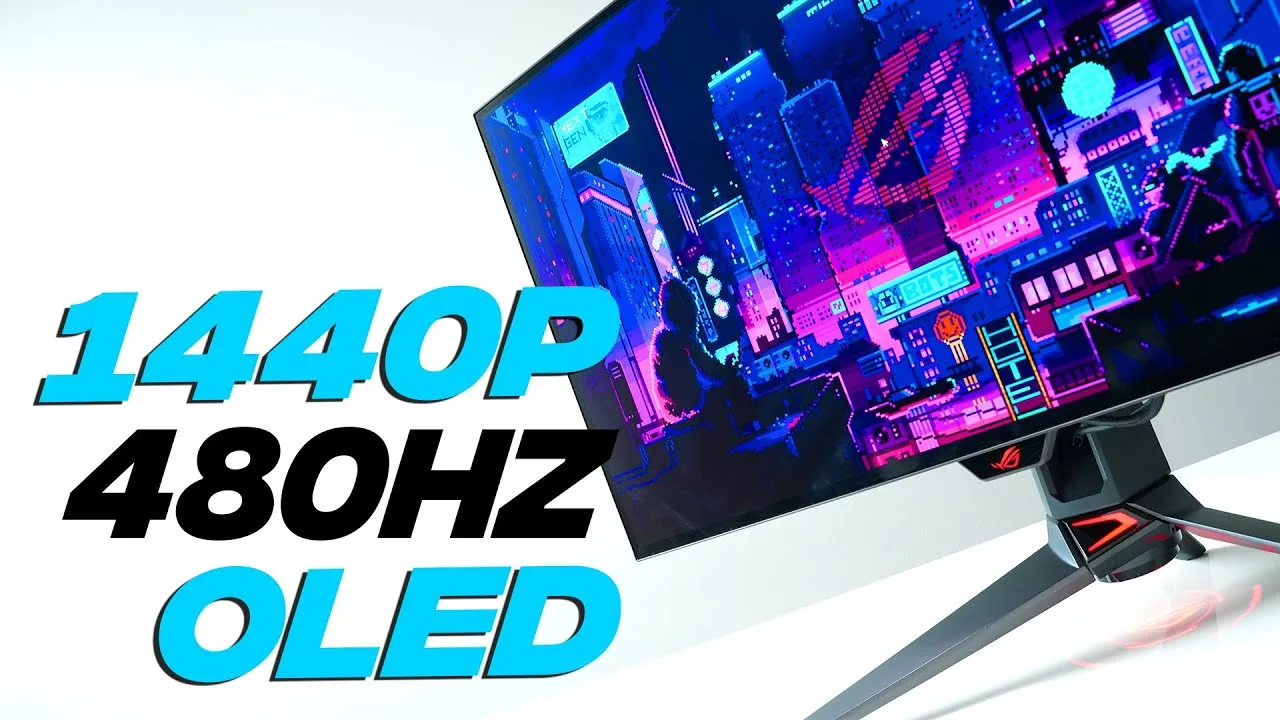 BadSeed Tech
The PG27AQDP is a 27-inch 1440p OLED monitor running at 480Hz using …
BadSeed Tech
The PG27AQDP is a 27-inch 1440p OLED monitor running at 480Hz using …
The PG27AQDP is a 27-inch 1440p OLED monitor running at 480Hz using LG's latest W OLED panel. The reviewer tested a pre-production DVT sample with final stand but non-final back casing (retail will have partial transparency). Motion clarity at 480Hz is exceptional when games can maintain locked 480fps, though this proves demanding even at 1440p. ELMB mode inserts black frames at 240Hz, offering clean motion without HDR, VRR, or aspect control. Standard brightness measures 263.7 nits, dropping to 164.6 nits with ELMB active. The monitor includes aspect ratio control for reduced display area and G-Sync compatible VRR with flicker prevention technology.
- →Best suited for competitive FPS with high-end GPU
- →ELMB ideal for locked 240Hz in dim environments
- →Aspect ratio control mimics smaller monitors when needed
- →VRR flicker prevention benefits dark scene gaming
- →One-monitor solution for gamers wanting speed and flexibility
 PC Centric
The reviewer unboxes and begins testing what they describe as …
PC Centric
The reviewer unboxes and begins testing what they describe as …
The reviewer unboxes and begins testing what they describe as potentially the 'Ultimate Gaming Monitor,' featuring a 1440p resolution with a 480Hz native refresh rate using next-generation OLED HDR technology. Priced around £950 in the UK and $1,000 in the US at launch, it represents a more accessible price point compared to earlier premium monitors. The unit uses an LGW OLED panel rather than QD OLED, which means differences in glossy versus matte finish and color saturation. Assembly is straightforward with a thumb screw base mount. The monitor includes classic ROG adjustments including tilt, height adjust, and 90-degree rotation, though the stand may tip backward at full extension on shallow desks. Included accessories feature USB cable for on-screen menu computer control, DisplayPort 1.4 cable, and cleaning cloth.
- →Ideal for competitive multiplayer gamers prioritizing refresh rate
- →1440p sweet spot for high frame rate gaming
- →Consider VESA mount if desk depth is limited
- →Calibrate colors if accurate saturation matters
- →Better value than previous generation premium monitors
 Marty Explains Tech
The reviewer considers this OLED monitor one of the most impressive …
Marty Explains Tech
The reviewer considers this OLED monitor one of the most impressive …
The reviewer considers this OLED monitor one of the most impressive gaming displays currently available. It features a 27-inch 1440p panel with infinite contrast ratio, peak brightness around 1200 nits, and 99% DCI-P3 color coverage. Response times range from 0.03 milliseconds with a 480 Hz refresh rate—double that of comparable OLED monitors. It supports both NVIDIA G-Sync and AMD FreeSync Premium. Connectivity includes two HDMI 2.1 ports, one DisplayPort, audio out, and USB ports with cables included. Priced around $979, it occasionally drops to $750. The reviewer notes burn-in risk as a consideration with OLED technology.
- →Ideal for competitive fast-paced shooter gaming
- →Excellent for cinematic RPG and HDR content
- →Suitable for professional color-critical creative work
- →Best value when found at $750 sale price
- →Requires careful use to minimize burn-in risk
 The Display Guy
The reviewer tested the PG27AQDP and found it delivers unmatched …
The Display Guy
The reviewer tested the PG27AQDP and found it delivers unmatched …
The reviewer tested the PG27AQDP and found it delivers unmatched motion clarity at 480Hz/1440p, with latency reduced to 2.1ms. Motion blur is nearly eliminated, making text and details clearly visible during fast movement. However, the reviewer questions whether the $999 price is justified, noting diminishing returns on latency improvement beyond 360Hz. The 480Hz refresh rate demands both a powerful GPU and CPU, with even top-tier processors potentially unable to push many games past 240-360fps. For competitive gaming, the motion clarity improvement may warrant the premium, though the sub-1ms latency gain over 360Hz is likely imperceptible.
- →Best suited for competitive esports gamers prioritizing motion clarity
- →Verify CPU can push target framerates before purchasing
- →Less beneficial for latency-focused buyers above 360Hz
- →Quality-of-life improvement for split-second aiming decisions
- →Future-proof option as hardware catches up to 480Hz demands
 Mr Matt Lee
The reviewer, Sam, unexpectedly created solo content while testing a …
Mr Matt Lee
The reviewer, Sam, unexpectedly created solo content while testing a …
The reviewer, Sam, unexpectedly created solo content while testing a monitor left by his colleague Matt. He found the experience of 1440p at 480Hz with low latency to be impressive. The OLED panel's deep blacks and vibrant colors stood out as particularly welcome features. He plans to use it for testing future PC builds and enjoyed it enough to consider contributing more videos to the channel.
- →Ideal for high-refresh-rate gaming at 1440p
- →Well-suited for PC build testing workflows
- →OLED contrast enhances visual content creation
- →Low latency benefits competitive gaming scenarios
Scores based on weighted analysis of 24 expert and community sources. How we review →